Introduction
In
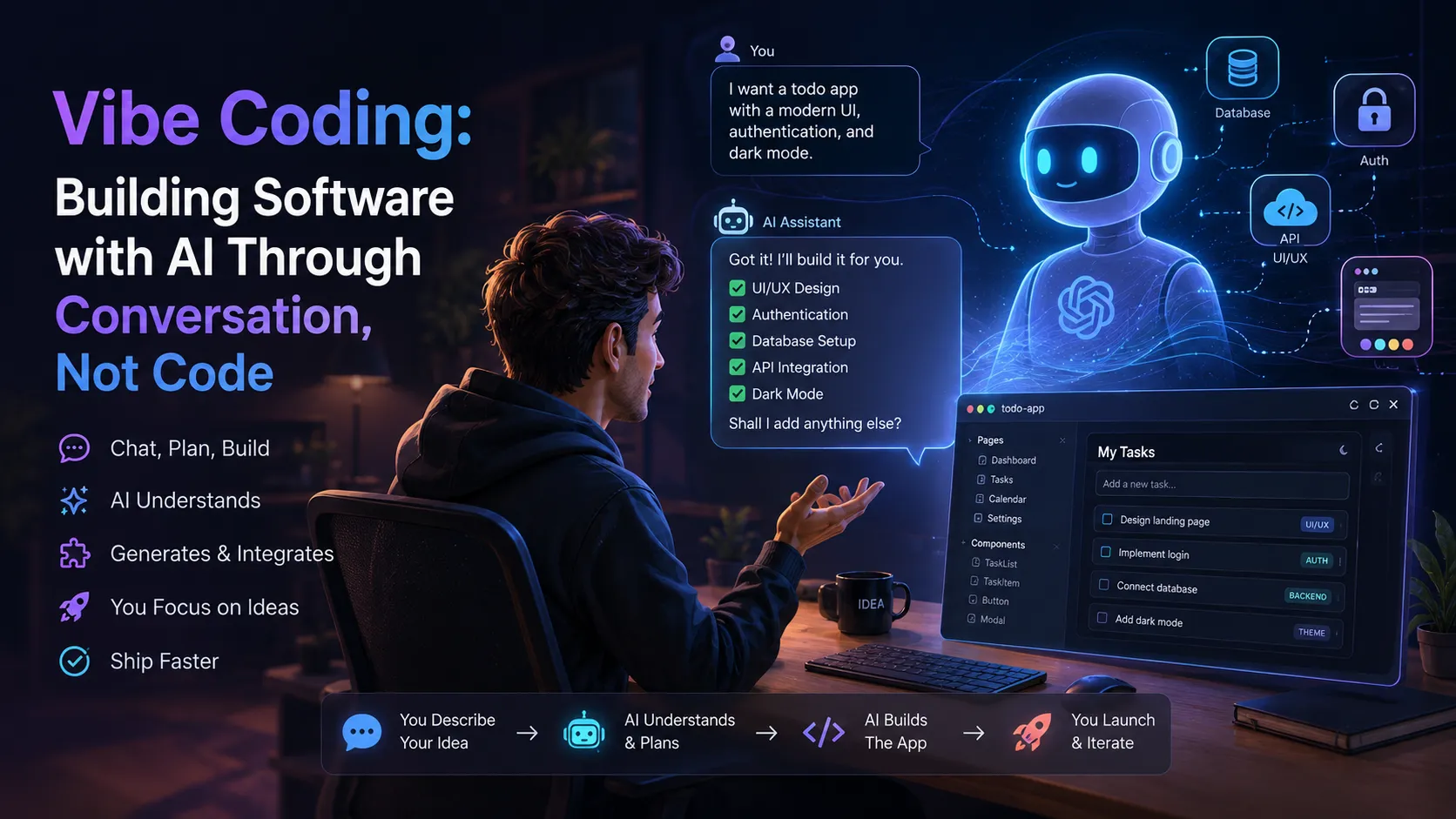
Vibe Coding: Building Software with AI Through Conversation and
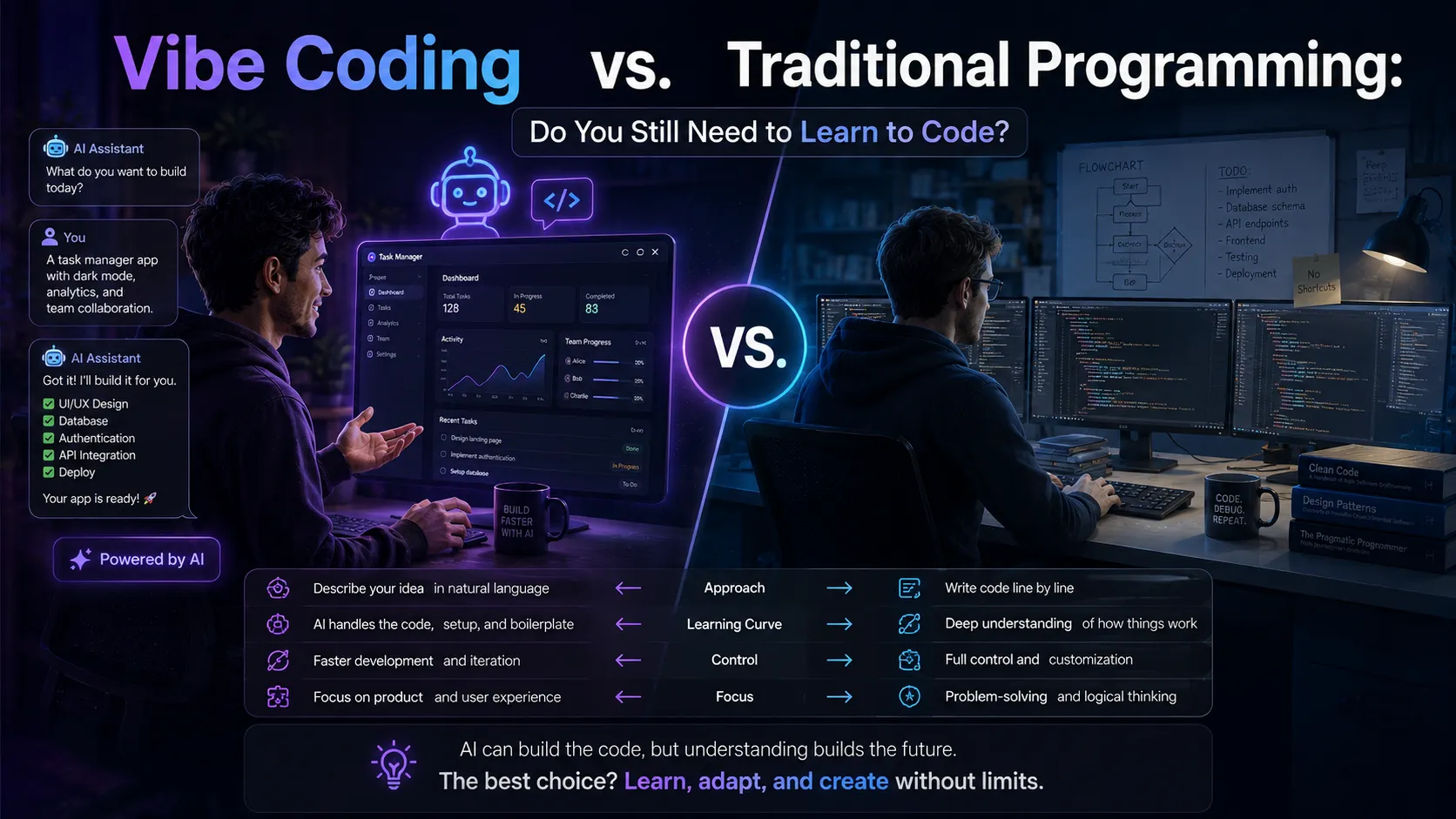
Vibe Coding vs. Traditional Programming, we saw how describing an idea in plain language can turn into a real application. But once you're ready to actually get your hands dirty, the next question becomes:
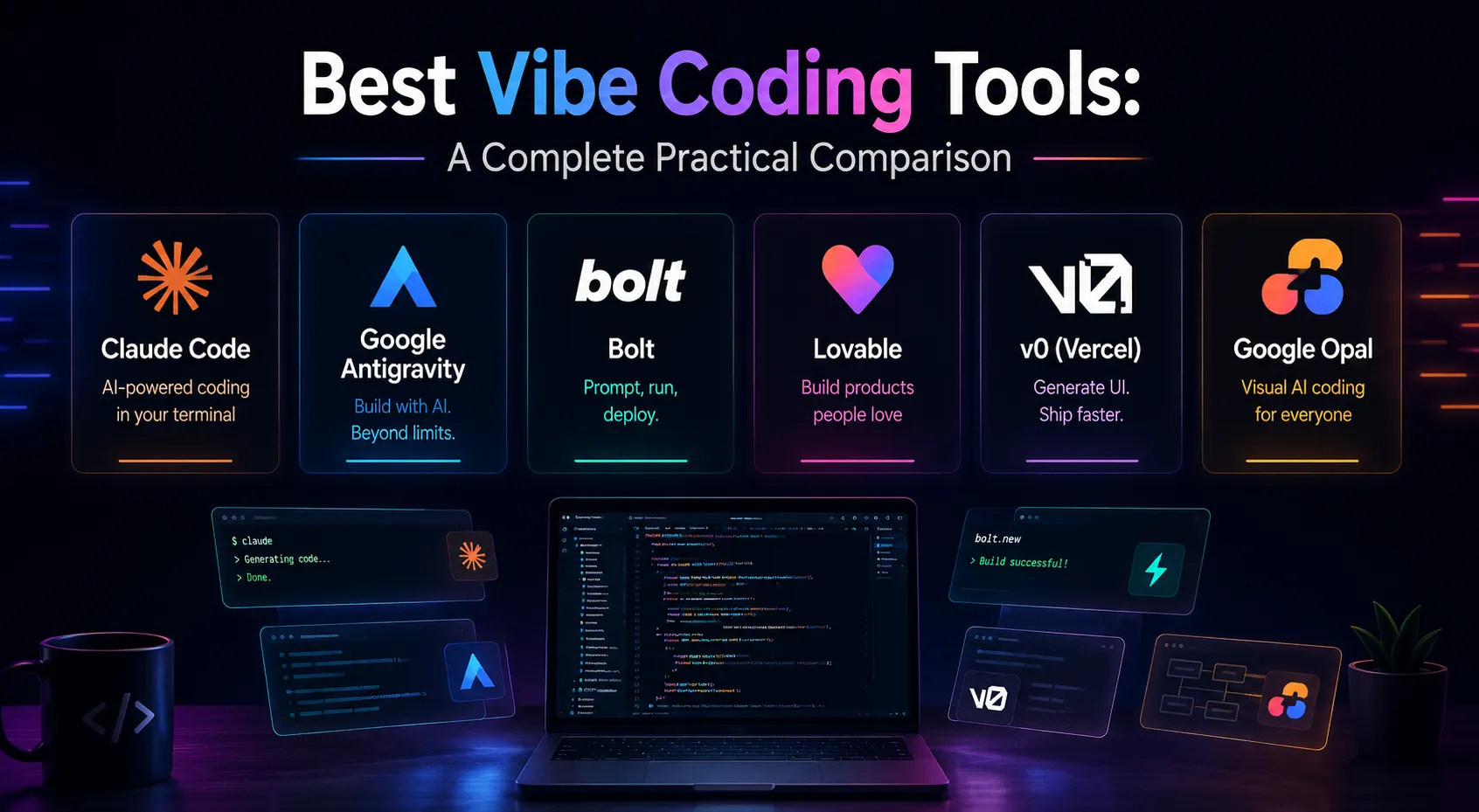
which tool is right for which job? The Vibe Coding tools market has grown crowded fast, and each tool has its own approach, environment, and strengths. In this article, we'll take an honest, practical look at the most important tools in this space so you know exactly which one fits your needs.
How to Evaluate a Vibe Coding Tool
Before comparing, it helps to know which criteria actually matter:
- Execution environment: Does the tool run in a browser, or does it require installation?
- Output code quality: Is the final code maintainable and extendable, or just good for a quick demo?
- Ability to understand large projects: Can the tool grasp an entire multi-file project, or does it only generate small code snippets?
- Automatic execution and debugging: Does the tool run the code itself and find errors, or does it just generate code and leave the rest to you?
- Multi-agent collaboration: Can multiple AI agents work on different parts of a project at the same time?
- Cost and pricing model: Is it free, subscription-based, or usage-based?
A Detailed Look at the Tools
Claude Code
Claude Code is a terminal- and IDE-based tool that runs directly on your system with full access to project files. Its main strength is deep project understanding — it can read an entire large repository, understand the relationships between files, and apply coordinated changes across multiple files at once. It can also run terminal commands directly, write and run tests, and even detect and fix runtime errors on its own.
Real example: A small team building a project management app with multiple modules (authentication, dashboard, reporting) used Claude Code to add a new feature across the whole system. The tool identified that the feature required changes in four different files, applied them in a coordinated way, and even updated the related tests — work that would have taken at least a full day manually.
Google Antigravity
Antigravity is an agentic development environment from Google with a different approach: instead of a single agent, multiple AI agents work simultaneously on different parts of a project — one on the UI, one on backend logic, one on tests. This mimics a real development team and is highly effective for more complex projects that need multi-part coordination.
Real example: A small startup building both a mobile app and its web counterpart used Antigravity to run two agents in parallel on each version, while a third agent independently kept the shared API documentation in sync between the two platforms.
Cursor
Cursor is one of the most influential tools that essentially brought Vibe Coding into mainstream programming. It's a standalone code editor (built on the same engine as VS Code) with AI fully built into its core; unlike typical extensions, the AI in Cursor isn't just a side feature — it's an inseparable part of the coding experience itself.
Cursor's main strength is its Composer/Agent mode, which lets users make a broad request ("add this feature across the whole project") instead of editing files one by one — the tool decides which files need to change, edits them, and can even run terminal commands. Cursor can also understand the entire project repository as context, which is extremely valuable for medium to large projects.
Real example: A freelance developer who inherited a messy, thousands-of-lines legacy codebase from a client used Cursor to understand the entire project structure within a few hours, identify redundant and unnecessary sections, and perform a full refactor — work that would likely have taken several full days manually.
Cursor sits between terminal-based tools like Claude Code and fully browser-based tools like Bolt: its environment is a full, familiar editor for developers, but it offers a much smoother and more visual experience than working purely in a terminal.
Browser-Based Tools (Bolt, Lovable, v0)
This category of tools runs directly in the browser and requires no installation. The user describes what they want, and within seconds a complete UI — usually a web app — is generated.
- Bolt focuses mainly on build speed and live preview; ideal for people who want to see an idea come to life very quickly. For example, a freelancer can build a working prototype in front of a client during a live call, while discussing requirements in real time.
- Lovable puts more emphasis on visual design and interface polish, making it a good choice for products where appearance matters a lot — such as marketing landing pages that need to look striking at first glance.
- v0, built by the Vercel team, is best suited for developers who want ready-made UI components that integrate directly into Next.js/React projects. A technical team, for instance, can ask v0 to generate a complex form component instead of building it from scratch, then merge it into their main codebase.
What these three tools share is exceptional simplicity and speed for prototyping; but they're not as powerful as Claude Code or Antigravity for large, complex projects.
Google Opal
Opal is a smart no-code platform from Google that takes a somewhat different path; instead of generating traditional code, it lets users drag blocks and describe their behavior to build an app or automated tool. It's the best fit for users who don't want to look at code at all and just need a quick, functional tool.
Real example: A marketing manager who wanted an internal tool to automate sending weekly reports to her team built it in under thirty minutes with Opal, with zero technical background — something that previously would have required a request to the engineering team and likely taken several days.
Full Comparison Table
| Tool | Environment | Large-Project Understanding | Prototyping Speed | Best For |
| Claude Code | Terminal / IDE | Very high | Moderate | Real projects and developers |
| Google Antigravity | Agentic IDE | High | Moderate | Team and multi-part projects |
| Cursor | Standalone code editor | High | High | Developers and medium-to-large projects |
| Bolt | Browser | Low to moderate | Very high | Quick idea demos |
| Lovable | Browser | Low to moderate | Very high | Visually-focused products |
| v0 (Vercel) | Browser | Moderate | High | React/Next.js developers |
| Google Opal | Web (no-code) | Low | Very high | Fully non-technical users |
Don't Forget the Weaknesses Either
None of these tools are flawless, and knowing their limitations matters just as much:
- Claude Code can feel intimidating for fully non-technical users, since it runs in a terminal environment and has a bit of a learning curve.
- Google Antigravity can be overkill for small, simple projects; spinning up multiple agents for a single-page project wastes resources.
- Cursor's free tier has fairly tight limits on the number of AI requests, and for serious use you'll typically need to move to a paid plan.
- Bolt and Lovable tend to hit limits when facing complex backend logic or multi-sided databases.
- v0 focuses mostly on the UI layer, so you'll need complementary tools for server-side logic.
- Google Opal isn't well-suited for applications that require deep customization or large-scale growth.
Can You Combine Multiple Tools?
Short answer: yes, and in practice, many professional teams do exactly this. A common approach is to first build a quick UI prototype with a browser-based tool like Lovable or v0 so a client or investor can see and approve it. Then that same structure gets moved into a more powerful environment like Claude Code, where the backend logic, database, and security get built out properly. This combination lets you enjoy both the speed of simple tools and the power of more advanced ones at the same time.
Which Tool Is Right for You?
- If you have a real, large project meant to live and grow for years, go with Claude Code.
- If you want to work in a familiar, visual editor environment while still having full project-level understanding, Cursor is a great fit — especially for developers migrating from VS Code to AI-assisted coding.
- If your project is multi-part and complex and you want several sections to progress in parallel, Google Antigravity is the better choice.
- If you just want to test an idea quickly or show it to an investor, Bolt or Lovable are your best options.
- If you're a frontend developer who wants ready-made components for your React project, v0 is the natural pick.
- If you have zero coding background and just need a simple functional tool for yourself or your small business, Google Opal is the easiest path.
Important Note: A Good Tool Doesn't Replace Sufficient Knowledge
No matter how powerful a tool is, as we discussed in
Vibe Coding vs. Traditional Programming, having at least a minimal understanding of concepts like security and scalability still makes a huge difference in the final product's quality. The best approach is to pick the right tool for your project while also learning a bit about how it works; as mentioned in
Prompt Engineering in Artificial Intelligence, more precise instructions always lead to better results.
Frequently Asked Questions
Are these tools free?
Most of these tools offer a free tier with usage limits, and you'll need a paid plan for more serious use. Costs are typically based on usage or a monthly subscription and can vary depending on the size of your project.
Do I need to pick just one tool?
No; as mentioned in the combination section above, many real-world projects use several tools together as complements.
Which tool is also good for learning to code?
Claude Code is a better option for people who want to learn while building, since it shows the full code and lets you directly watch changes happen in files — unlike fully no-code tools.
Conclusion
The Vibe Coding tools market is no longer a limited option — from powerful terminal-based tools like Claude Code to fully no-code platforms like Google Opal, there's a fitting choice for every type of project and every level of technical knowledge. The most important step is knowing which category your project falls into and choosing the right tool based on that, not simply the most popular one. If you want to start today, DeepFa's
AI Coding Tool is a great place for your first experience.



 LLMs & AI Agents
 LLMs & AI Agents
 LLMs & AI Agents
 LLMs & AI Agents
 LLMs & AI Agents
 LLMs & AI Agents