Full SEO audit of your site,
content and keywords with AI
Crawl your whole site the way Google does and find more than 40 technical problems with their fixes, optimise every page for its keyword with AI, map the keywords around a topic, measure speed and Core Web Vitals, and see in Search Console and Google Analytics where your next growth is — all in one studio.
DeepFA SEO Studio: from technical audit to growth in Google
DeepFA SEO Studio is built for site owners, online shops, content creators and digital marketing agencies who want to run SEO on real data rather than guesswork. The technical audit crawls the whole site the way a search engine sees it: it starts from the home page and the sitemap, follows internal links, respects robots.txt and checks every page for more than forty technical and on-page problems.
The result is not a raw list: a health score out of 100, a score for every area from crawling and indexing to titles, content, links, speed and HTTPS, and for every problem an explanation of why it matters, how to fix it and exactly which pages have it. Audits can run automatically every week or month, and a trend chart shows the effect of your fixes.
To grow your content, the content optimiser scores any page or draft against its keyword while AI writes titles, meta descriptions, the article outline, FAQs and ready-to-use schema. Keyword ideas map the searches around a topic with intent and priority, and the Search Console connection shows which pages and queries bring the most clicks for the least work, while Google Analytics shows what visitors do once they arrive.
Everything professional website SEO needs
Technical audit, content, keywords, speed, Search Console, Analytics and practical tools — with real data and actionable suggestions
Full technical site audit
A dedicated crawler reads hundreds of pages from the home page and the sitemap and finds more than 40 technical and on-page problems: errors and redirects, indexing and canonicals, titles and descriptions, thin and duplicate content, broken links, response time and HTTPS. A health score, a score for each area and the fix for every problem with the exact pages — and, at the end, the ordered action plan AI writes from those same findings.
Get startedAI content optimiser
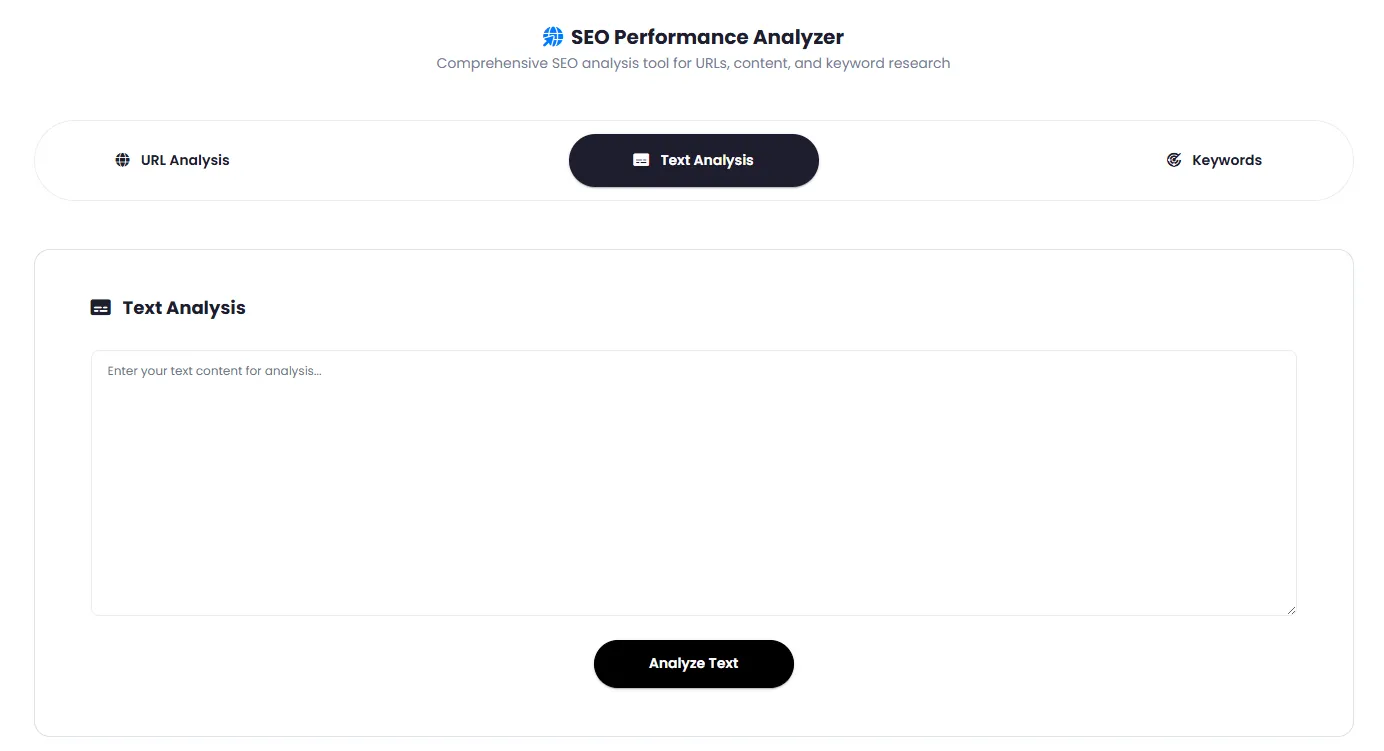
Give a page address or a draft with its keyword: 18 weighted checks — from the title and H1 to the first paragraph, keyword frequency, readability and links — build the content score, and AI writes titles and meta descriptions, the article outline, missing subtopics, FAQs and ready-to-use schema.
Get startedKeyword ideas
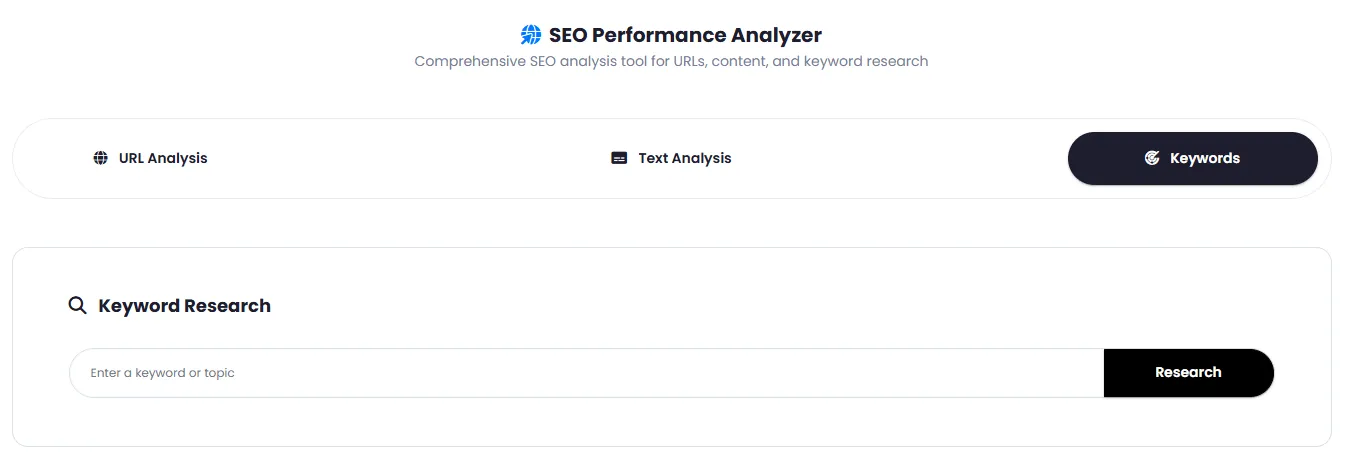
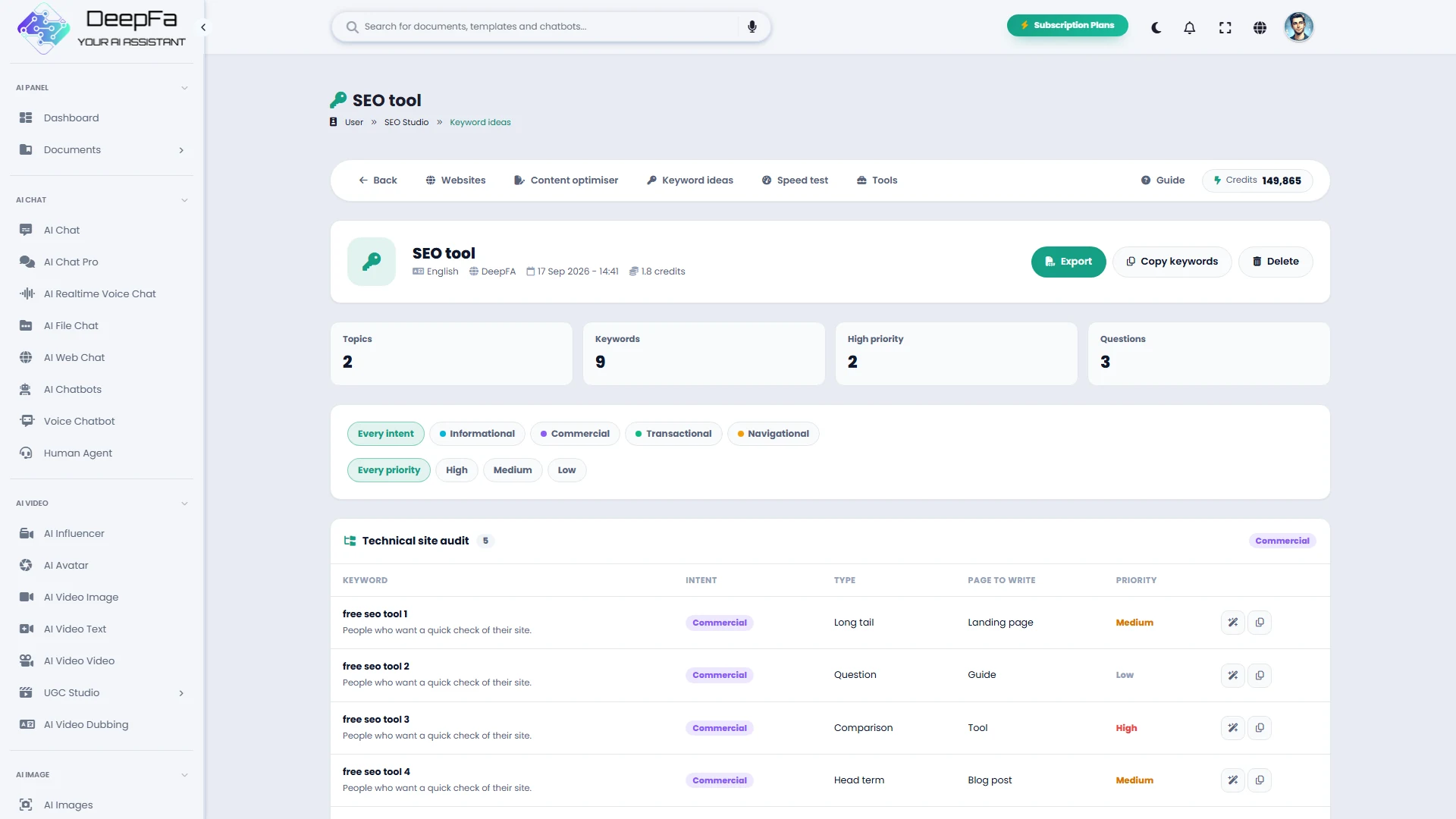
From one topic a complete map of searches is built: topic clusters, search intent, keyword type, the right page type and priority for every keyword, the questions people ask and a cornerstone page outline — with your site's real positions and impressions from Search Console.
Get startedSpeed and Core Web Vitals
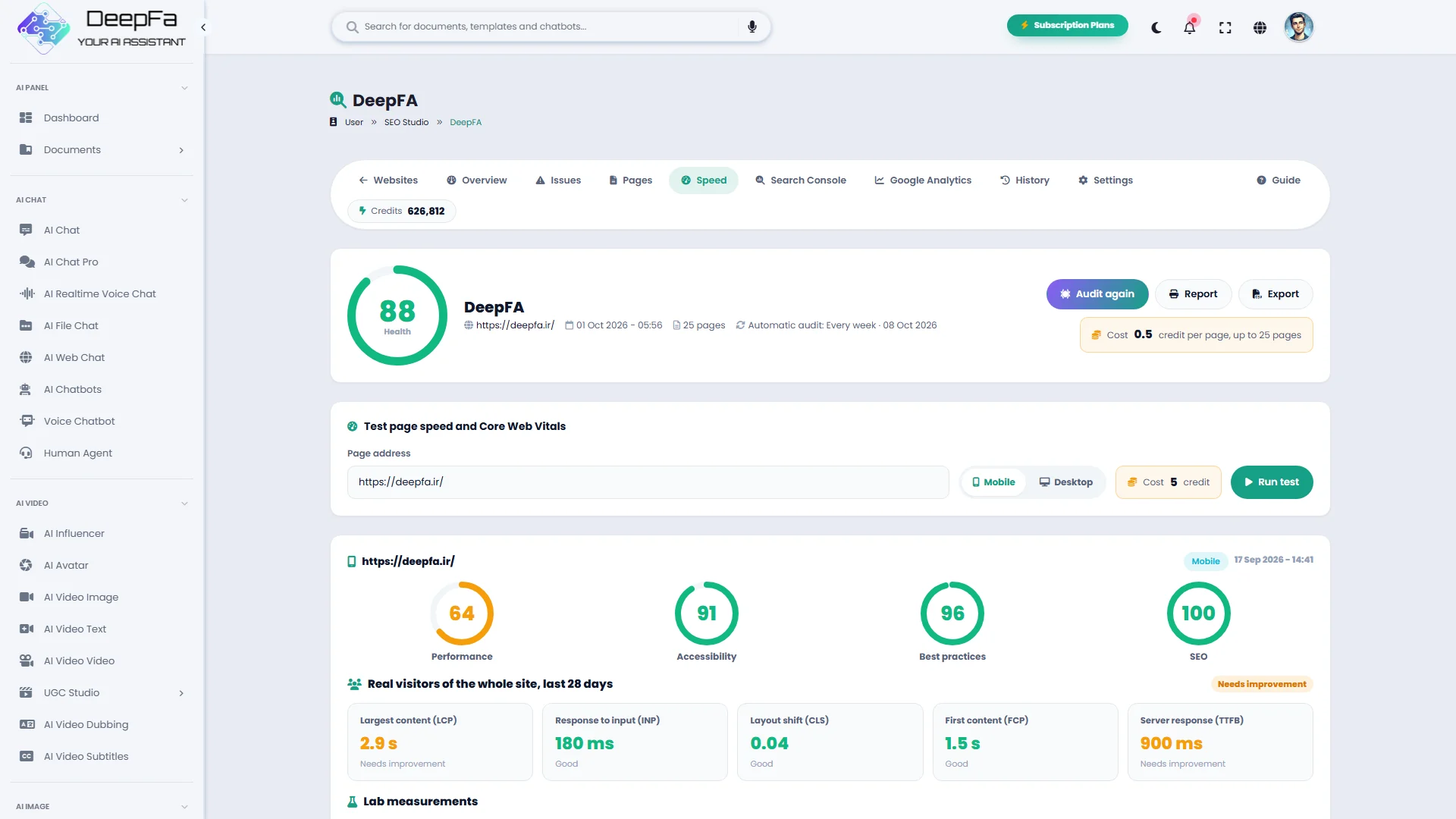
Performance, accessibility, best-practice and SEO scores for mobile and desktop, field data from real visitors (LCP, INP and CLS), lab measurements and the list of changes that would make the page faster, with the time each one saves.
Get startedSearch Console and Google Analytics
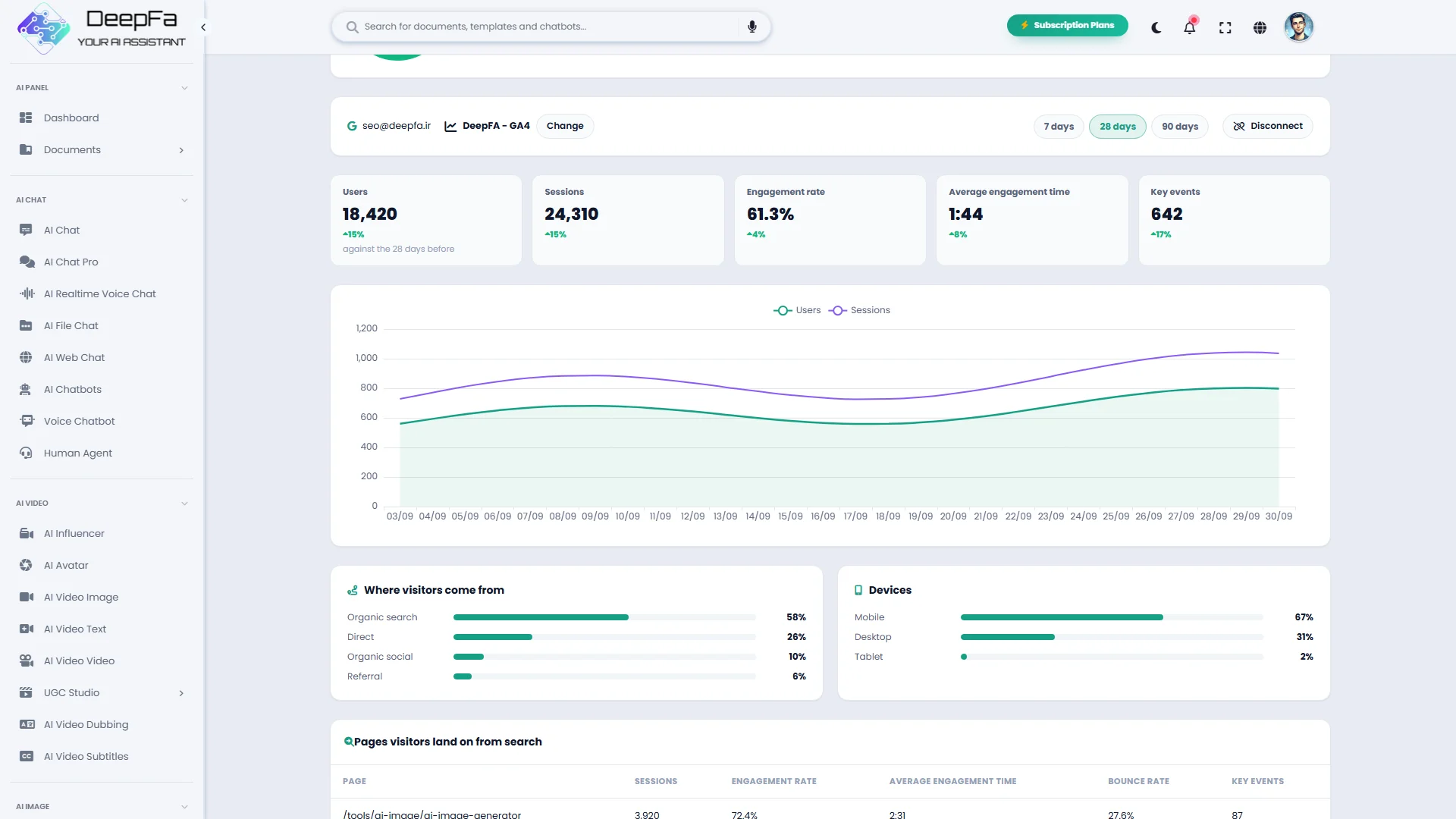
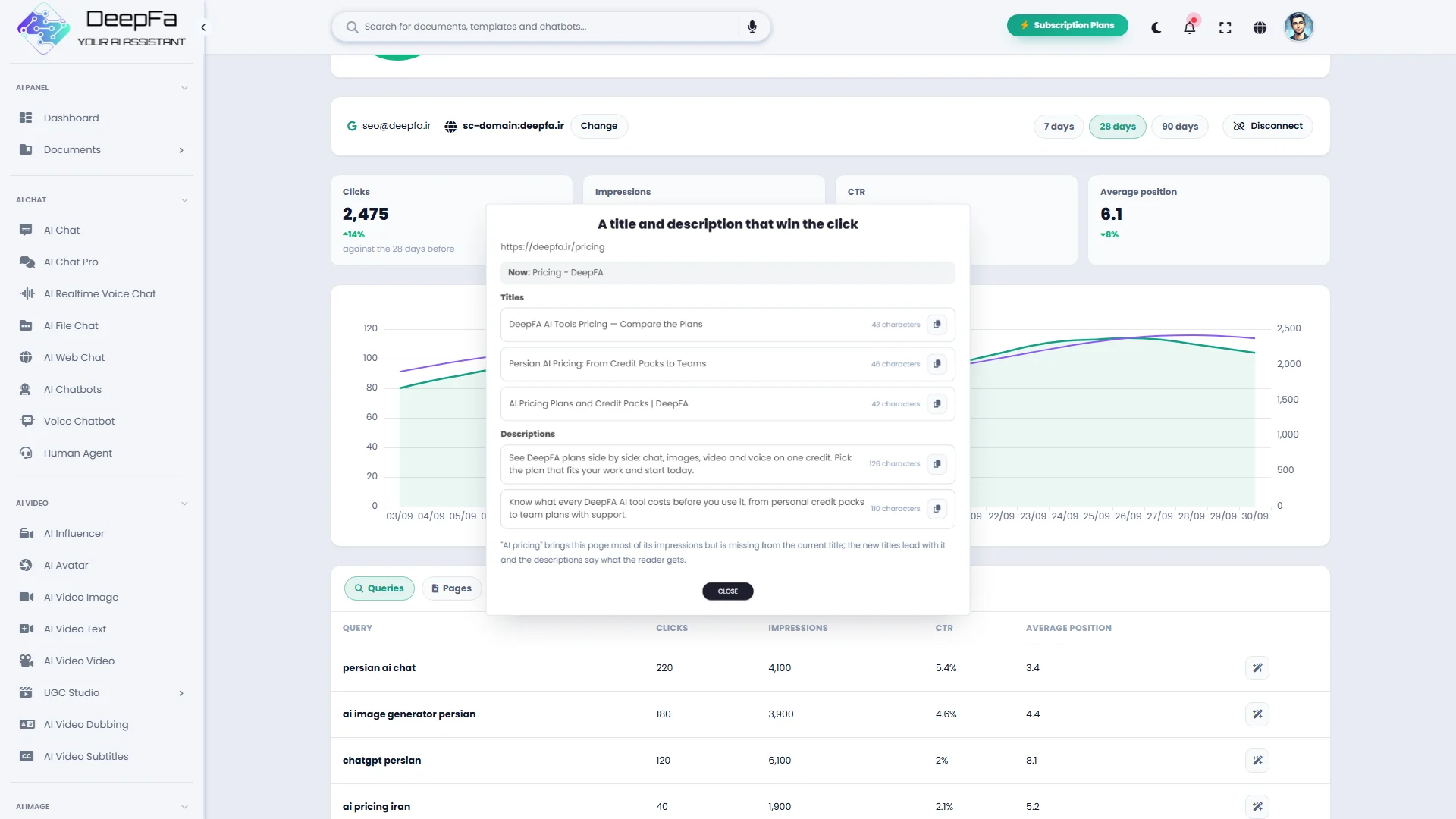
With a read-only Search Console connection, see clicks, impressions, CTR and position against the previous period; queries close to page one, often-seen but rarely-clicked queries and pages losing clicks are picked out, and the index status of any address can be inspected. With Google Analytics, the users, sessions, engagement and key events of every landing page sit beside them. AI reads the same figures and says what to do next.
Get startedPractical SEO tools
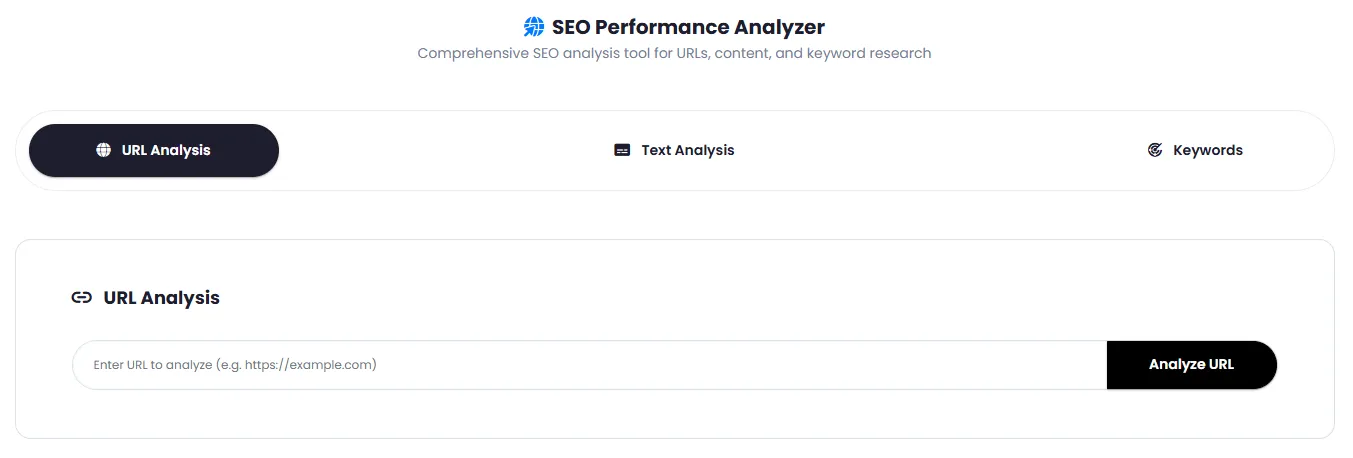
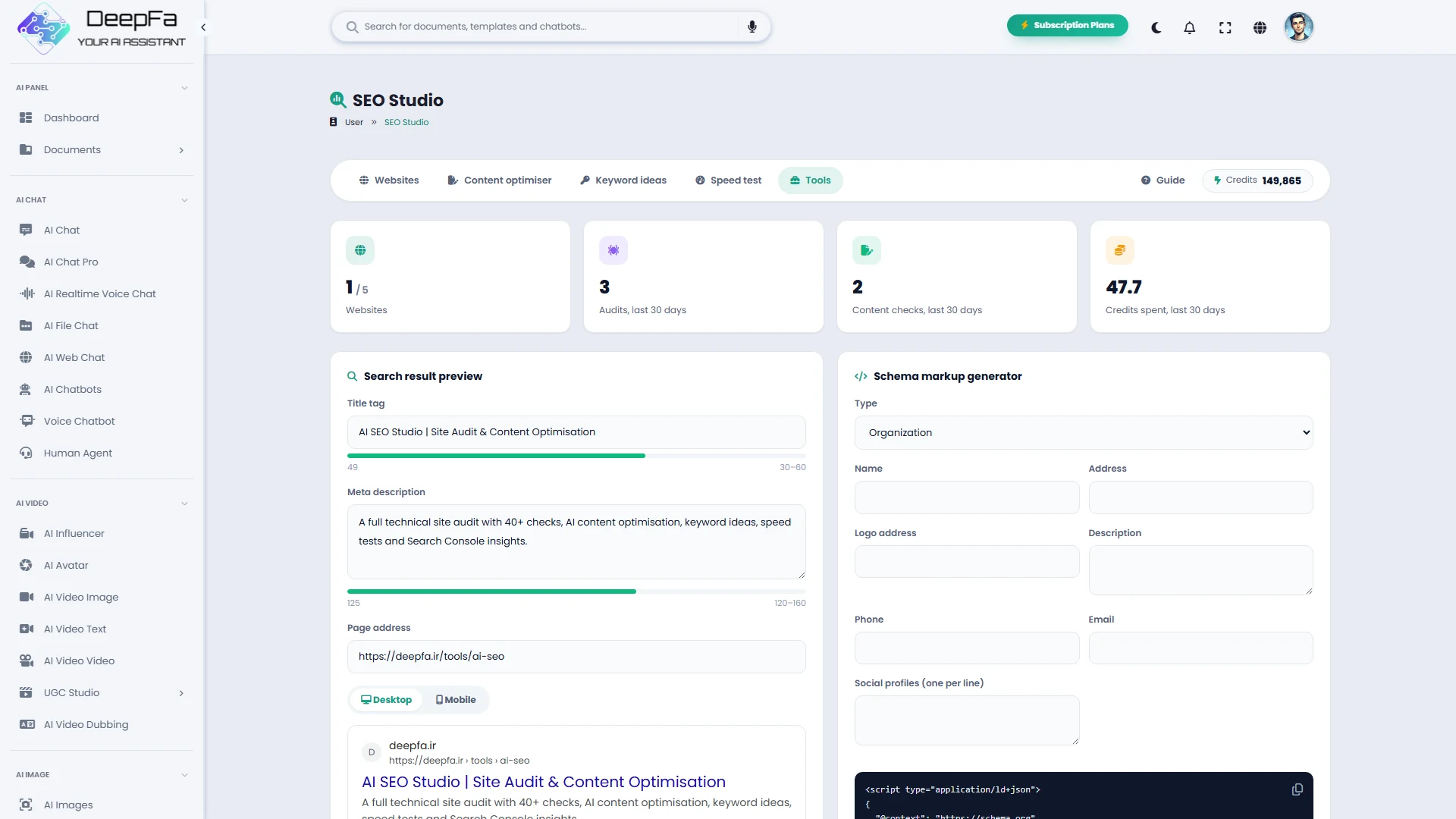
A mobile and desktop search result preview with title and description length checks, a schema generator for organisations, local businesses, articles, products, FAQs and breadcrumbs, a robots.txt tester for any crawler and a redirect chain checker for up to 10 addresses.
Get startedExact data from your site, writing and planning by AI
Checks and scores follow exact rules; AI works where something has to be written, grouped or proposed
Click-worthy titles and descriptions
Three titles under 60 characters and two meta descriptions with the keyword, each with a length counter and a copy button.
Article outline and content gaps
The H2 and H3 structure of a page that fully answers the search, the subtopics your text is missing and the most valuable edits first.
Internal links from your real pages
Related pages with the right anchor text are suggested from your own audited pages; no address is ever made up.
Keyword clusters and intent
Keywords are grouped by topic, informational, commercial or transactional intent and priority, with the right page type for each.
FAQs and ready schema
Questions people really ask with concise answers, plus Article and FAQPage JSON-LD for Google rich results.
An action plan after every audit
The findings are read and turned into an ordered plan: what to do first, why, at what effort and impact, and the steps to take.
Advice on every issue, on your own pages
For every finding, the pages that actually have it are read and you are told what to change on each one — not a general definition.
Reading the Search Console figures
The queries one step from page one, where clicks are being lost, the pages to work on and the next pages worth writing.
Reading how visitors behave
From Google Analytics, the pages that lose visitors quickly and the pages that bring sign-ups and sales, with what to do about each.
Where ranking and satisfaction part ways
Search Console and Analytics are read together to find the pages Google shows often but that do not keep searchers satisfied.
New titles from each page's real searches
For any page in Search Console, three titles and two meta descriptions are written from the queries it is really seen for, with the reason behind them.
Your choice of AI model
Choose the writing model from the GPT, Claude, Gemini, DeepSeek and Grok families your plan includes.
Why DeepFA SEO Studio?
From finding a problem to measuring the result of the fix, all in one place.
Diagnosis, not guesswork
Every problem is found in the real data of your pages, with the exact pages affected, why it matters and how to fix it. Scores follow a fixed, transparent formula.
Work in the right order
Problems are sorted by severity and pages affected, and Search Console queries close to page one show where growth is cheapest.
Track progress
Automatic weekly or monthly audits, a health trend chart and the change in every issue since the last audit — see the effect of your fixes in numbers.
Reports ready for your team
A printable PDF report with issues and fixes, CSV exports of issues and pages, and keyword exports for your developer, writer or client.
A look inside SEO Studio
Every issue, every page and every suggestion at a glance
What is an SEO audit and where do you start?
Six steps that take a site from technical errors to steady growth in search results.
An SEO audit is a regular review of a site through a search engine's eyes: can pages be crawled and indexed, does every page have the right title and description, is the content substantial and unique, are the links sound and is the site fast and secure. A search engine has to find and understand your content before it can judge its quality, which is why fixing technical problems is usually the quickest way to better rankings.
Once the technical problems are fixed, content and keywords come next: every page should be written for one clear search intent, and the queries where the site already ranks between positions 8 and 20 are the best place for quick growth.
1. Fix crawling and indexing
4xx and 5xx errors, redirect chains, unintended noindex, wrong canonicals and pages blocked by robots.txt stop pages from being seen. Fix these first.
2. A title and description for every page
Every page needs a unique title of 30–60 characters and a meta description of 120–160 characters with its keyword; they are what searchers see in the results.
3. Substantial, unique content
Thin or duplicate pages compete with each other and lower the site's overall quality. Expand useful pages and merge or canonicalise the copies.
4. Internal linking
Important pages should be no more than three clicks from the home page and no page should be orphaned. Fix broken links and links to redirects.
5. Speed and page experience
LCP under 2.5 seconds, INP under 200 ms and CLS under 0.1 are the Core Web Vitals targets; a fast server response and optimised images matter most.
6. Measure and repeat
Follow clicks and positions in Search Console and engagement and conversions in Google Analytics, work on queries close to page one and run regular audits to make sure no new problem has crept in.
Frequently Asked Questions About SEO Studio
Answers to common questions about features, cost and usage
Run your first site audit now
Technical audit, AI content optimisation, keywords, speed, Search Console and Analytics — in one studio