AI Image Generation
Inside Conversation
Create your desired image by writing a simple message. No complex forms, no extra software — just describe it. AI generates the image, and if you want changes, just send another message. Everything flows in one smooth conversation.
What Is AI Image Generation in Chat and How Does It Work?
AI image generation in chat is a modern approach that simplifies the entire creation process. Instead of filling complex forms and manually adjusting technical parameters like size, style and AI model, you simply describe the image you want in a plain message. The system automatically selects the best settings and displays the image right in the chat environment. This method is ideal for anyone who wants to quickly turn visual ideas into real images without learning complex tools or interfaces.
The biggest advantage of image generation in chat is conversational refinement. Once the initial image is created, you can improve it by sending follow-up messages like "make it blue", "cartoon style", "darker version" or "create another option" — all without starting over. This iterative process lets you shape your idea step by step and get closer to the perfect image, just like chatting with a professional designer who understands exactly what you mean.
To get the best results from this tool, describe your image as precisely as possible. Instead of "a cat photo", write "an orange cat sitting on a windowsill on a rainy day, digital painting style". The more details you include — colors, artistic style, camera angle, atmosphere — the closer the result will match your vision. You can also write descriptions in your native language, as DeepFA's advanced models are multilingual and understand a wide range of languages.
Image generation in chat is suitable for both personal and professional use. Designers can quickly build and refine initial concepts, marketers can experiment with advertising visuals, and content creators can produce the images they need without long turnaround times. All conversations are saved automatically, so you can return to previous ideas anytime, search through them or continue refining your work.
Generate, Refine and Save Images — All in One Conversation
From initial generation to final refinement — no separate tool or page switching needed.
Image Generation Inside Chat
No forms or complex settings — just describe, and AI generates the image instantly.
Conversational Refinement
Next message: "make it blue", "cartoon style", "darker version" — the image improves step by step.
Full Conversation History
Every conversation is saved. Return anytime, rename, search through or delete sessions.
No Page Switching
Describe, get output, refine — all in one conversation. No need to open a new page.
For Any Image Type
Artistic, advertising, conceptual, avatar, logo, poster — anything with a simple description.
Search Past Conversations
Quickly find previous ideas — no need to scroll through long history.
AI Chat Image vs. Regular Image Generation
Each is designed for a different kind of work — compare and choose the best fit.
| Feature | Regular AI Image | AI Chat Image |
|---|---|---|
| How to generate | Separate form with multiple parameters | ✓ Simple message in chat |
| Refine output | Re-fill form from scratch | ✓ Next message in same chat |
| History and recall | Image gallery without context | ✓ Full conversation with context and descriptions |
| AI model selection | Manual — requires technical knowledge | ✓ Automatic — no technical knowledge needed |
| Best for | Precise control over details | ✓ Speed, ideation and experimentation |
Benefits of Image Generation in Chat
The simplest and fastest way to turn mental ideas into real images — no complex tools or technical knowledge needed.
Fastest Way to Generate Images
No separate tool to open — write directly in chat and get your image. From idea to image in just seconds.
Creativity Without Limits
Your idea evolves through the conversation — each message brings a better version closer to the final image.
Automatic Idea Archive
All conversations are saved — good ideas are never lost. You can return and continue anytime.
Automatic Model — No Selection Hassle
No need to choose an image model — the system selects the best one based on your description.
Persian Prompt Support
You can write in Persian — DeepFA advanced models understand Persian prompts too.
Integrated with DeepFA Credits
Uses your existing DeepFA account credits — easy management of all tools in one place.
Reach your ideal image in three messages
No training needed — just describe and see the result.
Write your idea in Persian or English
E.g. "A minimal poster for a women's clothing store with pastel colors"
See the initial image
AI displays the image in the same conversation within seconds. If not satisfied, try the next step.
Refine with the next message
"Make it blue", "simpler", "black and white version" — and you get a new image. One step closer each time.
Who uses AI image generation in chat?
Anyone with a visual idea who wants to quickly bring it to life — from content creators to marketers and designers.
Content Creators
Got a new idea? Write directly in chat and see it — no separate tool to open or long waits
Designers
Build the initial concept in chat, refine it and take the final version to professional tools
Marketers
In brainstorming sessions — quickly visualize ideas and compare with your team
Online Sellers
Quick test product image ideas — before going to a professional photoshoot
Students & Researchers
Visualize complex concepts with simple descriptions in an interactive conversation
Game Developers
Initial visual concepts for game characters and environments — fast and conversational
Simple Conversational Interface for Image Generation
Simple conversational interface — click any image to enlarge.
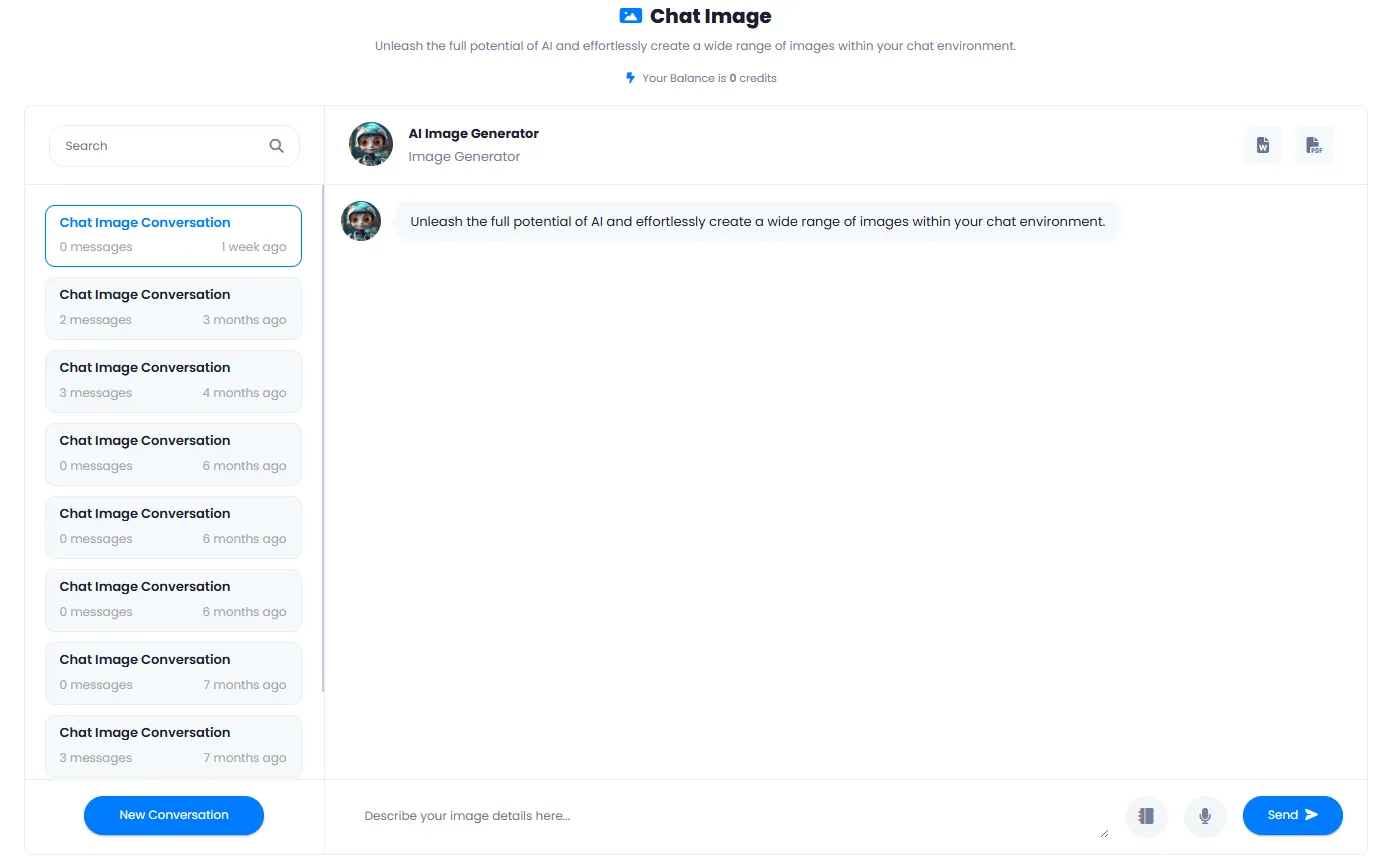
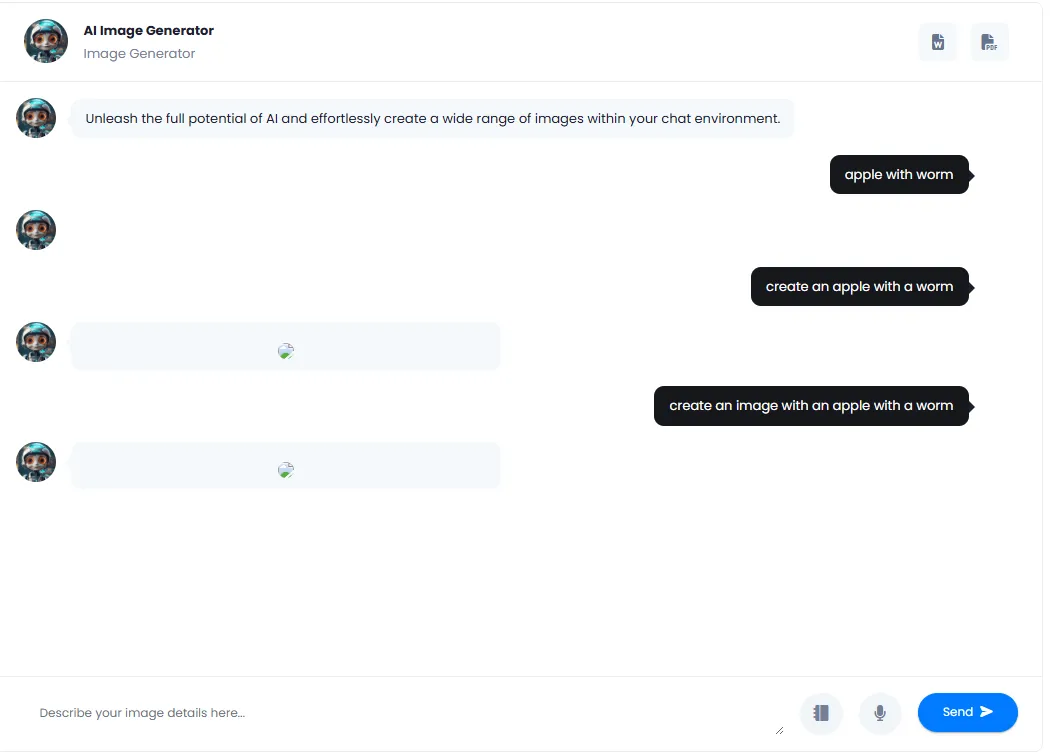
What is AI Image Generation in Chat and why should you use it?
From generating the first image to refinement and saving conversations — everything you need to know about the chat-based approach to AI image generation.
AI image generation in a chat environment is fundamentally different from the traditional form-based approach. In the traditional method, you face a form with multiple settings like dimensions, number of outputs, model selection and more. Even to refine an image, you have to fill the form again or start from scratch. But in the chat-based method, the only thing you need to do is write your request in plain language. The AI generates the image, and if you need changes, just send another message — for example, "make the clothing color blue" or "darken the background". Everything flows in one smooth conversation with no page switching.
This method is great for people without technical expertise, but even professional designers use it for rapid ideation. Instead of waiting several minutes for software to open and settings to be applied, you simply type and see the result. All conversations are saved, you can rename them, return to them later or search through them. That means previous ideas are never lost, and you can keep your creative journey exactly like a visual sketchbook.
Main Difference: Form vs. Conversation
In the regular method, you have to fill out a form with many parameters. In the chat method, you just describe and get the image. Refinement happens with a new message — no need to rewrite everything from scratch.
Refine Images in the Same Conversation
Saw the initial image? Not satisfied? Just write "make it blue", "more cartoon style" or "night version". AI generates a new version, and you can repeat this process until you reach the desired result.
Auto-Save and Complete History
Each conversation is saved separately with all messages and images. You can rename the conversation, return later to continue, or delete it if no longer needed.
No Technical Settings — Just Describe
Model selection, dimension settings, number of steps — all are handled automatically. You just describe in your own language. AI does the rest.
Search Past Conversations
Had a great idea months ago and need it now? Just search through your conversation history. No endless scrolling or digging through different folders.
For Everyone — From Beginners to Pros
Content creators, designers, marketers, students — anyone who needs to quickly visualize an idea. No training or complex tools required.
What is image generation in chat best for? If you are brainstorming and want to quickly see several different options, this is the best method. If you have a base image and want to apply small changes, instead of opening expensive software, you send a message in the same chat. If your team is working on a project, you can share the conversation link so everyone can see the creative process. And if weeks later you need an idea again, searching through history works. This tool does not replace professional tools, but it reduces the initial idea creation phase from hours to seconds.
Tools that pair with AI Chat Image
From image generation tools to editing and output enhancement — all on one platform
Frequently Asked Questions About AI Image Generation in Chat
Answers to common questions about how it works, capabilities and benefits of AI image generation in chat.
Visualize your ideas right now
Free sign-up — no bank card needed, start instantly in under a minute