AI Avatar
Studio‑quality videos in 175 languages
No camera, no crew. Create professional studio videos with DeepFA AI Avatar. Upload your own photo and build a custom digital avatar, access a library of 150+ ready image and video avatars, with support for 175 living languages.
Create Professional AI Avatar Videos in 175 Languages — No Camera or Studio
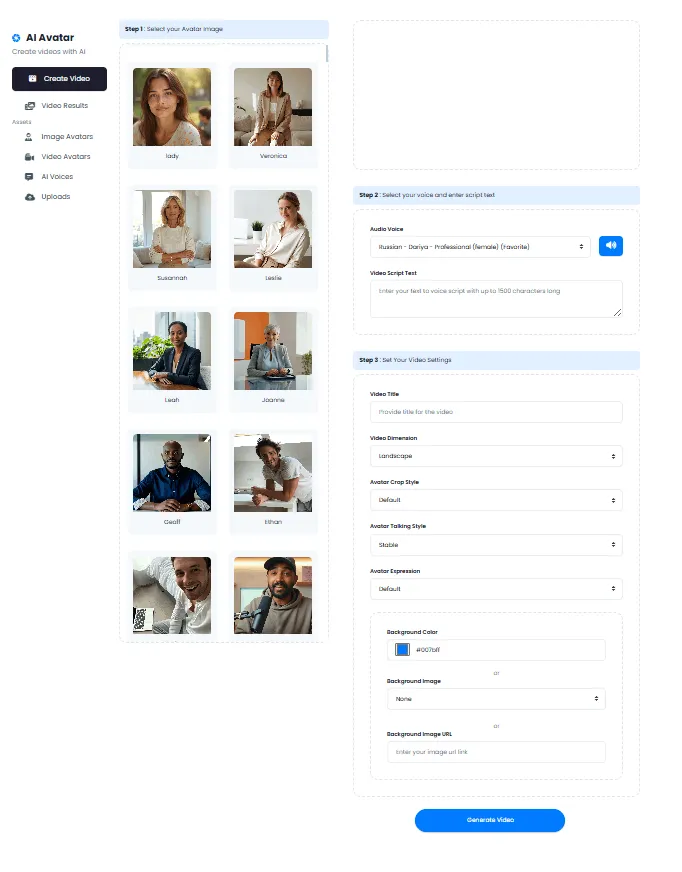
DeepFA AI Avatar lets you produce studio‑quality videos without a camera, crew or expensive studio. Just choose your avatar type (from image or from video), enter your script, select voice and language, and get a ready‑to‑play video in minutes. Support for 175 living languages (including Persian, English, Arabic, Spanish, French, German, Russian and Chinese) makes this tool ideal for marketers, teachers, content creators and international businesses.
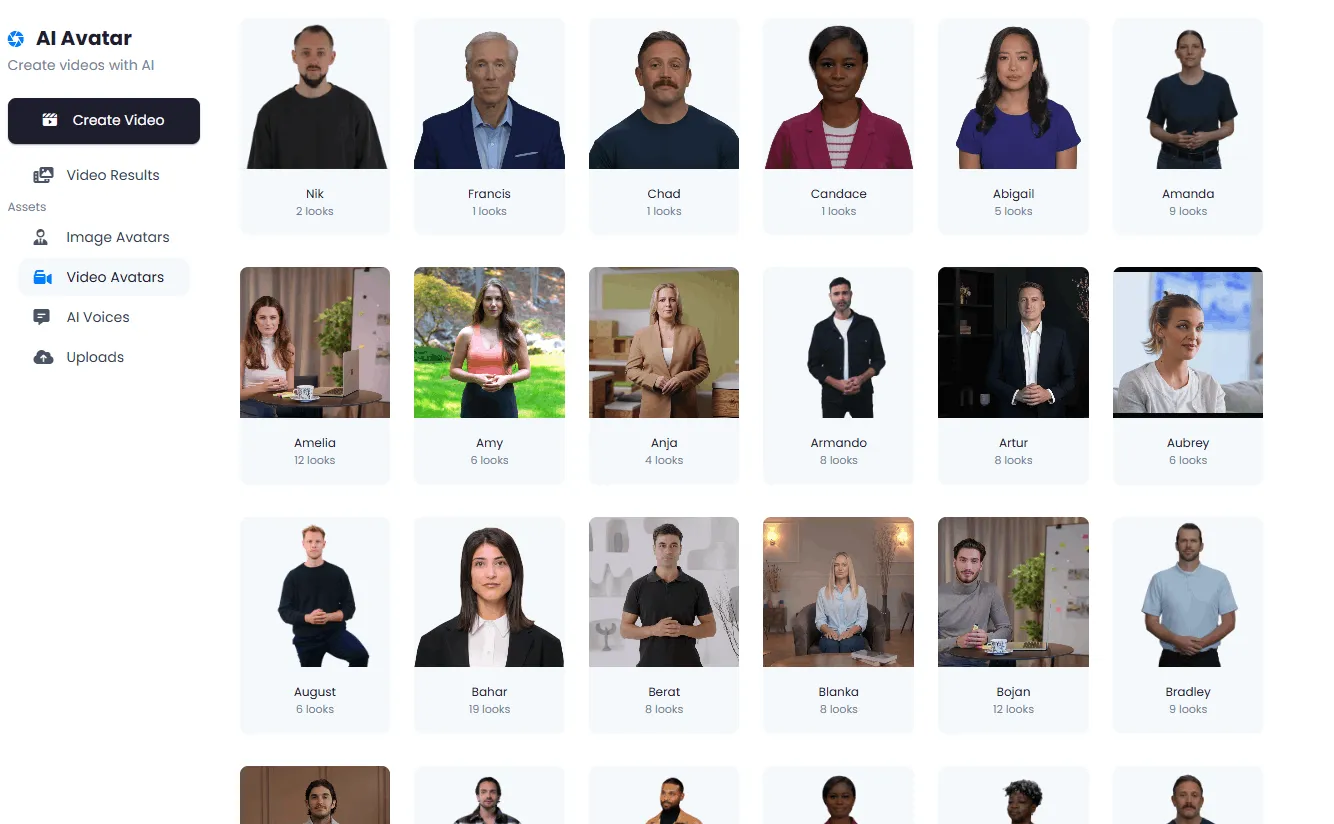
You can use the built‑in library of over 150 diverse avatars (image and video) or upload your own photo to create a custom digital avatar. The AI Avatar tool lets you build a digital avatar as a professional virtual presenter and produce educational, advertising and introduction videos without physical presence. Uploading a video to create an avatar from an existing clip is also available.
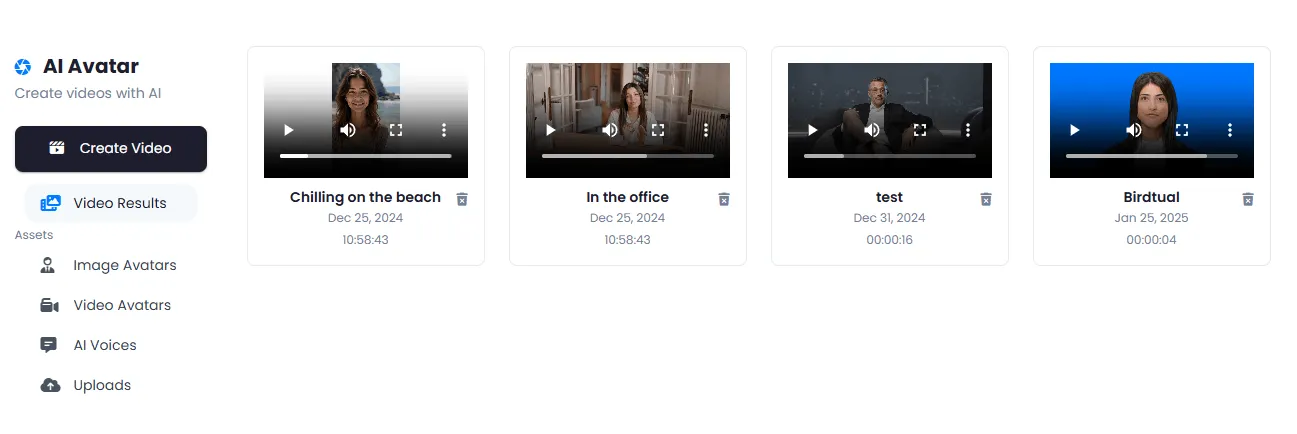
All generated videos are saved in Video Results and can be viewed, downloaded or reused later. AI Avatar is the perfect choice for multilingual advertising videos, online education, product introductions, automated news broadcasts and any scenario that needs a professional virtual presenter.
Two Ways to Create a Digital Avatar — From Personal Photo or Video
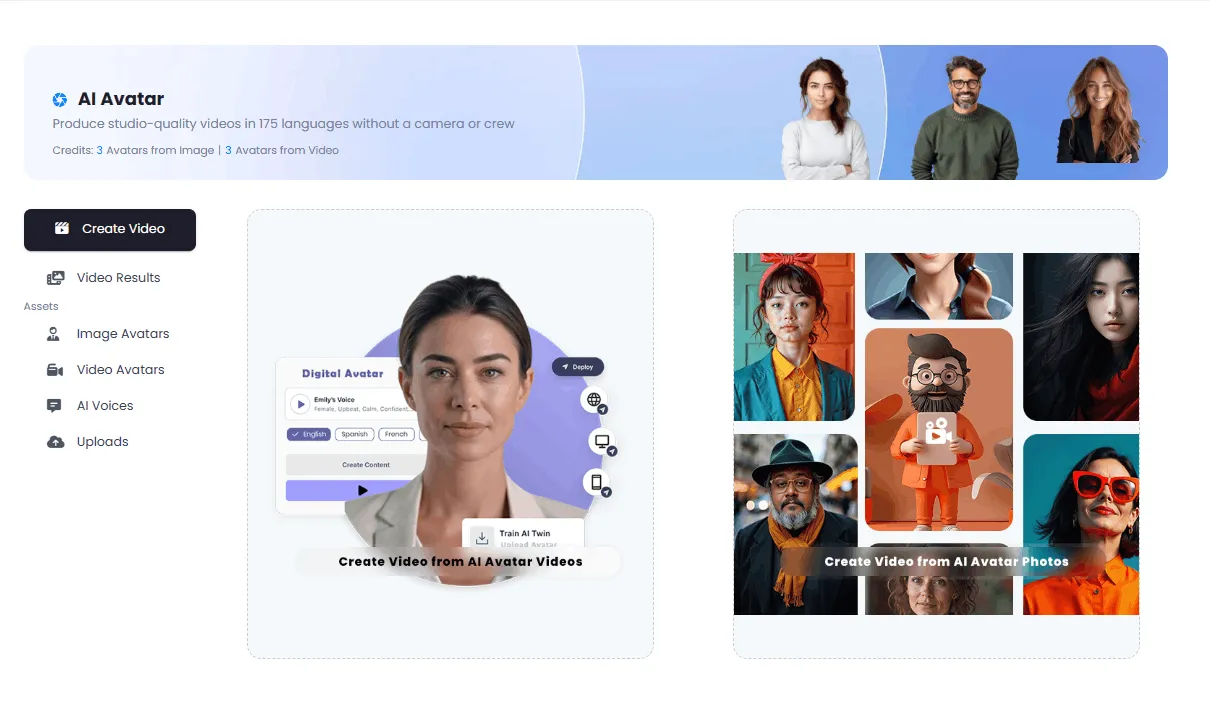
Choose your preferred method: a custom avatar from your personal photo or a ready avatar from a library of 150+ options.
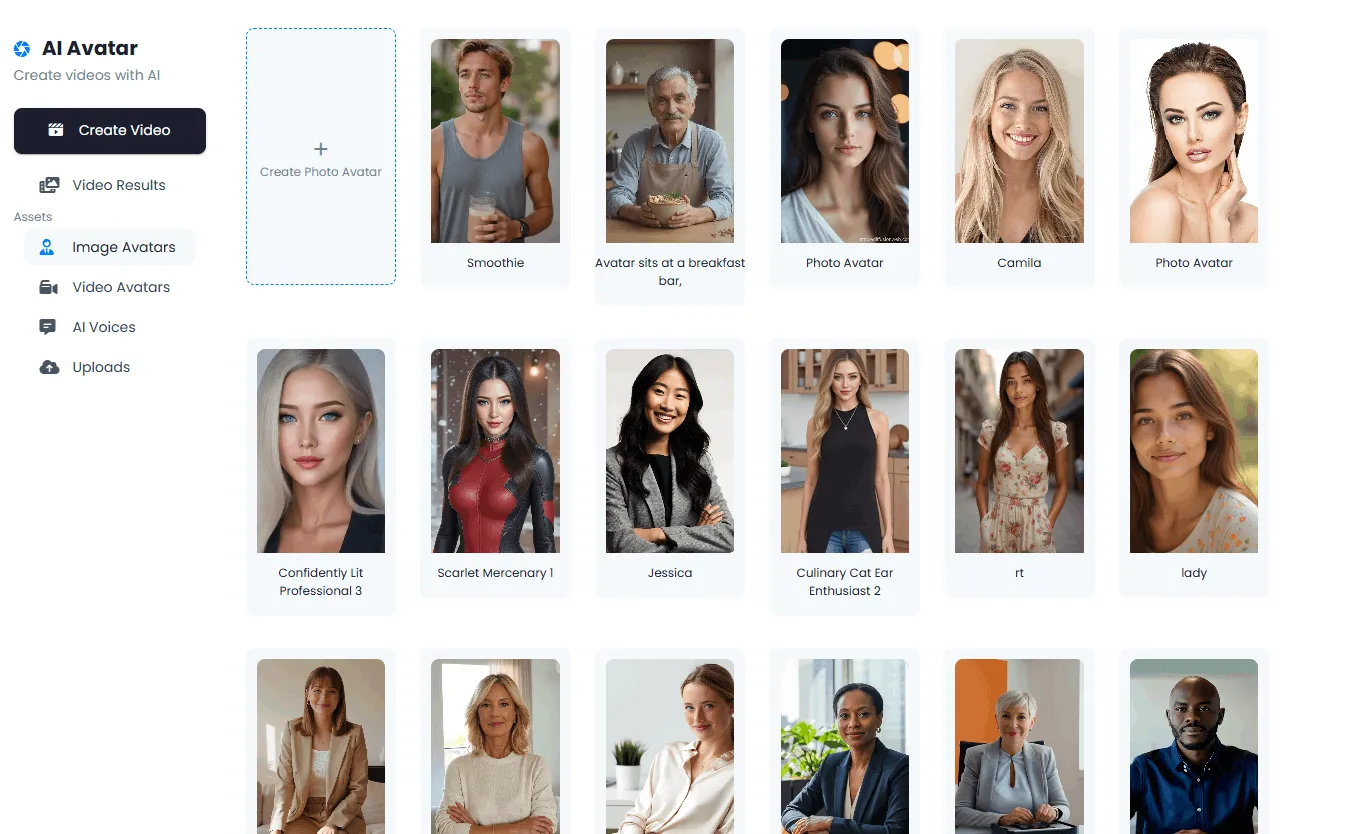
Upload your personal photo or choose from a library of 150+ image avatars. Then enter text to create an avatar video.
Upload a video clip to create an avatar from it. Ideal for building avatars from existing footage.
Manage Avatars, Videos, Voices and Uploads in One Panel
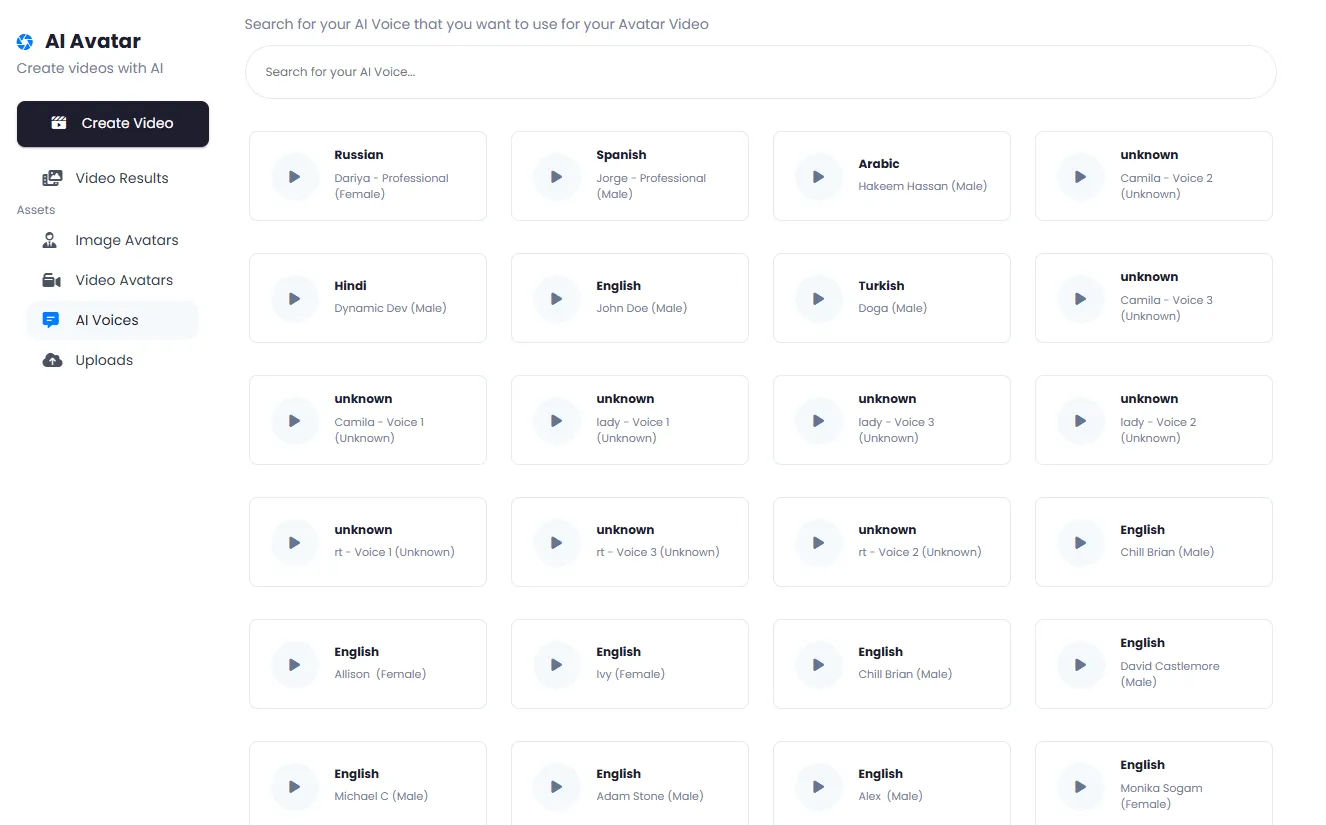
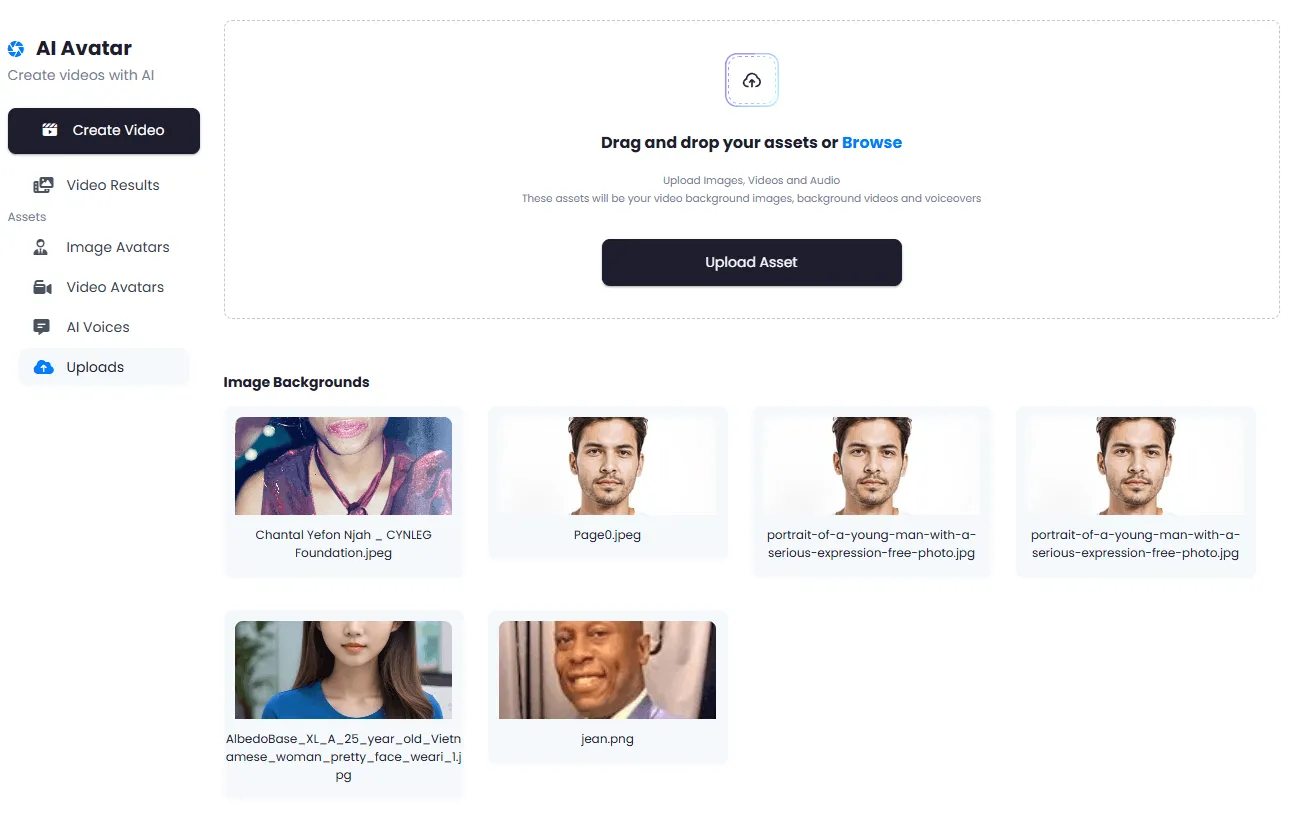
All your avatar assets — image and video avatars, generated videos, AI voices and uploaded files — are managed in one place.
Why DeepFA AI Avatar?
Produce professional videos without expensive hardware, actors or studios.
No Camera or Studio
Produce professional videos without a camera, crew or expensive studio.
175 Living Languages
Generate your video in any language your audience needs – from Persian to English, Arabic, Spanish and German.
Avatar from Your Photo
Upload your own photo and create a digital avatar of yourself. Then generate videos with it.
150+ Ready Avatars
A large library of diverse avatars (image and video) – no upload required.
Video in Minutes
Instead of hours of camera work and editing, get a ready‑to‑play video in minutes.
Cost Effective
No costs for actors, camera operators, studios or professional equipment – just your subscription.
Create an AI Avatar Video in Six Simple Steps
From choosing an avatar to receiving a ready video — all in minutes.
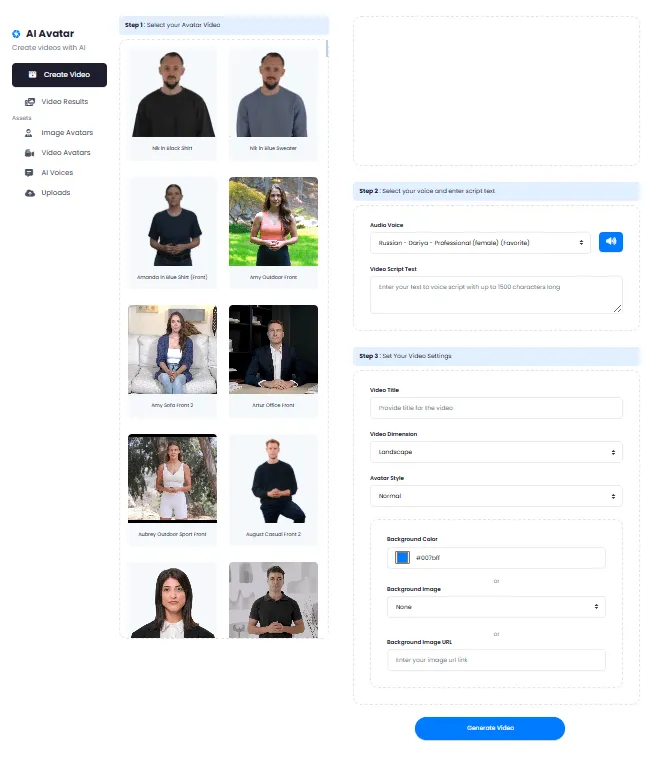
Go to AI Avatar page
Navigate to AI Avatar from the tools menu and check your balance.
Choose avatar type
Avatars from Image (upload a personal photo or choose from a library of 150+ avatars) or Avatars from Video (upload a video clip).
Upload your file and enter your script
Upload the avatar image or video, then enter the text or script the avatar should say.
Select voice and language
Choose from diverse AI voices and 175 languages to find the best fit for your audience.
Generate the video
The system processes the avatar video — this typically takes a few minutes.
View the video in Video Results
Once complete, the video is saved in Results. You can view, download or reuse it.
Who Benefits from AI Avatar? A Virtual Presenter for Every Field
From marketers and online teachers to businesses and news agencies — wherever you need a virtual presenter.
Marketers
Create multilingual ad videos with brand avatars
Online Teachers
Produce educational courses with virtual presenters in multiple languages
Content Creators
Make Instagram, YouTube and TikTok videos without physical presence
Businesses
Company intro, product and service videos in local audience languages
News Agencies
Automated news broadcast with virtual avatars in multiple languages
A Look Inside the AI Avatar Tool — Simple and Professional Interface
Simple, functional interface — click any image to enlarge.
What is AI Avatar and what is it used for?
From creating a custom avatar to generating videos in 175 languages — everything you need to know about DeepFA AI virtual presenter.
DeepFA AI Avatar is an intelligent virtual presenter that uses advanced deep learning models to sync lip movements, facial expressions and head motions with input text. Unlike traditional videos requiring cameras, actors, studios and expensive equipment, AI Avatar creates professional videos from just a photo (or short clip) plus a simple text script — no reshooting, no physical presence, and no heavy production costs. This tool is a complete and cost‑effective solution for marketers, online teachers, businesses and anyone needing a virtual presenter.
Creating an AI avatar video is done in six simple steps: choose avatar type (from personal photo or from video), upload your file, enter the script, select voice and language, generate the video, and finally save or download the output. Support for 175 living languages lets you produce one avatar video in any language your audience needs — without re‑translating or reshooting. A library of over 150 ready avatars (image and video) also lets you start immediately without uploading.
What is AI Avatar and how is it different from traditional video?
An AI Avatar is a virtual presenter that uses advanced deep learning models to sync lip movements, facial expressions and head motions with input text. Unlike traditional video requiring cameras, actors, studios and expensive equipment, AI Avatar creates professional videos from just a photo or short clip plus a text script — no reshooting needed.
Two methods to create an avatar: from image or from video
Method 1: Avatar from Image — upload your photo (or choose from a library of 150+ ready avatars). AI analyzes the face and builds a digital presenter. Method 2: Avatar from Video — upload a short clip (e.g., a few seconds of talking) for more precise lip and facial motion reconstruction.
175 languages — multilingual videos without re‑translating
Write one script, then have the same avatar speak in any language you need — from Persian, English and Arabic to Spanish, French, German, Russian, Chinese and over 165 others. No need to reshoot or hire multilingual voice actors.
AI voices — natural, diverse and customizable
DeepFA voice library includes male and female voices with formal, friendly, news‑style, promotional and child‑like tones. You can adjust speed, pitch and pauses to make the avatar voice sound completely natural.
Asset management — avatars, videos, voices and uploads
Everything in one central panel: created image and video avatars, final videos, favorite voices and uploaded files (photos and clips). Search, rename or delete any asset. No need to dig through different system folders.
Professional use cases — from ads to education to news
Marketers: multilingual ad videos with brand avatars. Educators: online courses with virtual presenters in multiple languages. Businesses: company and product intros. News agencies: automated news broadcast. Content creators: Instagram and YouTube videos without physical presence.
For best results, use high‑quality images (minimum 512×512 pixels) with even lighting. If creating an avatar from video, a clip with clear audio and limited facial movement produces better results. You can also use the “Voice Preview” feature before final generation to find the right tone and speed. All generated videos are saved to “Video Results” and are always viewable and downloadable — no time limits.
Other AI Video Tools That Complement AI Avatar
From text and image video generation to building virtual influencers and reanimating existing videos.
Frequently Asked Questions About AI Avatar — Video Creation, Languages and Custom Avatars
Answers about avatar types, supported languages and video creation process.
Create Your First AI Avatar Video Right Now
Custom avatar from photo, 150+ ready avatars and 175 languages — no payment required