AI Text to Speech
Convert text to natural speech
with 14 voice controls
Write your text and create natural speech with full control over volume, speed, pitch, pauses and emphasis. Preview before download — output in three formats.
Professional AI Text to Speech with 14 Voice Controls
DeepFA AI Voiceover is one of the most advanced text to speech tools available. With 14 voice controls — including volume, speed, pitch, pauses, word emphasis, special pronunciation and text replacement — you can achieve exactly the narration you have in mind. Before final generation, use the preview button to hear the voice and refine settings until you get the desired result.
This tool supports multiple languages. From the Language menu you can select Persian, English and many other languages, each with voices that have natural accent and tone. Three common output formats are available: MP3 for general use in videos and podcasts, WAV for professional editing in audio software, and OGG for websites and applications. All generated voices are saved in history and can be played or downloaded anytime.
Whether you need professional video narration, audiobook creation, educational audio content, podcasts or advertising messages, DeepFA AI Voiceover with its complete features and simple interface is the best choice for you.
Complete control over every voice detail
No other text to speech tool gives you this level of control.
Say as
Specify how numbers, dates, times and abbreviations are spoken.
Emphasis
Emphasize specific words and key phrases to make them stand out in narration.
Volume
Adjust the audio loudness level for each section of the text independently.
Speed
Speed up or slow down the reading pace to match your content rhythm.
Pitch
Adjust the voice frequency and intonation for a deeper or higher tone.
Pauses
Add short or long pauses at any point in the text for a more natural speech rhythm.
Text Replacement
Replace words or phrases before voice generation without changing the original text.
7 More Advanced Controls
Seven more specialized tools including rhythm, tone, letter-by-letter pronunciation and more.
Three output formats for every need
Choose the format that suits your work — all three are generated with the best audio quality.
Default format — compact size with good quality for video, podcast and social media
Full quality uncompressed — ideal for professional editing in audio software
Open and lightweight format — suitable for websites and web applications
Why choose DeepFA text to speech?
DeepFA text to speech combines the most voice controls, live preview and multi-language support for a different experience in creating voice from text.
14 Specialized Voice Controls
The most voice control tools among all TTS tools — from pronunciation and emphasis to speed, volume and pitch. Complete output control.
Preview Voice Before Final Generation
Use the Listen button to hear the voice before downloading and refine settings if needed. No wasted credits.
Multi-Language Support
Convert text to speech in any language. Multiple voices with natural accent and tone are available for each language.
Three Common Output Formats
MP3 for general use, WAV for professional editing, OGG for web. Choose the format that fits your needs.
Easy Save and Download
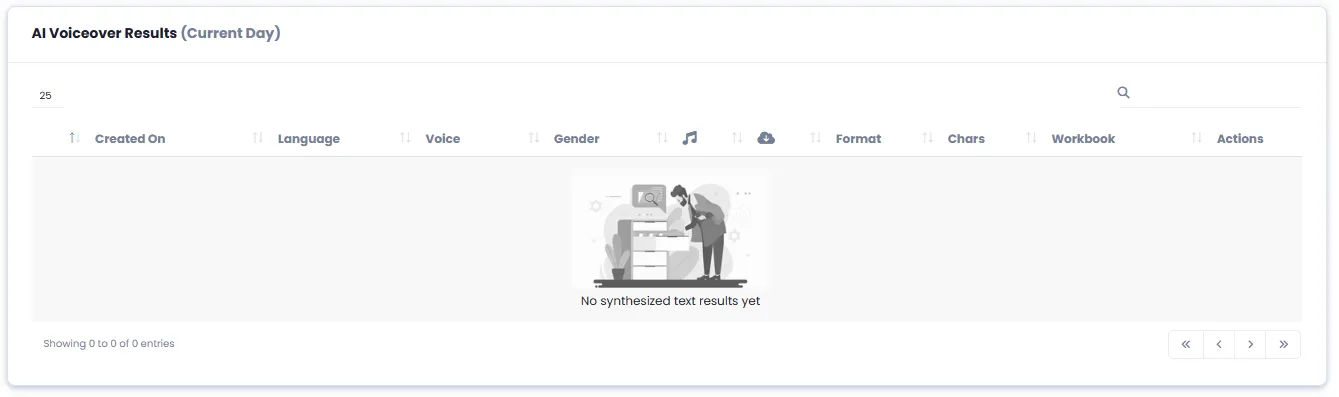
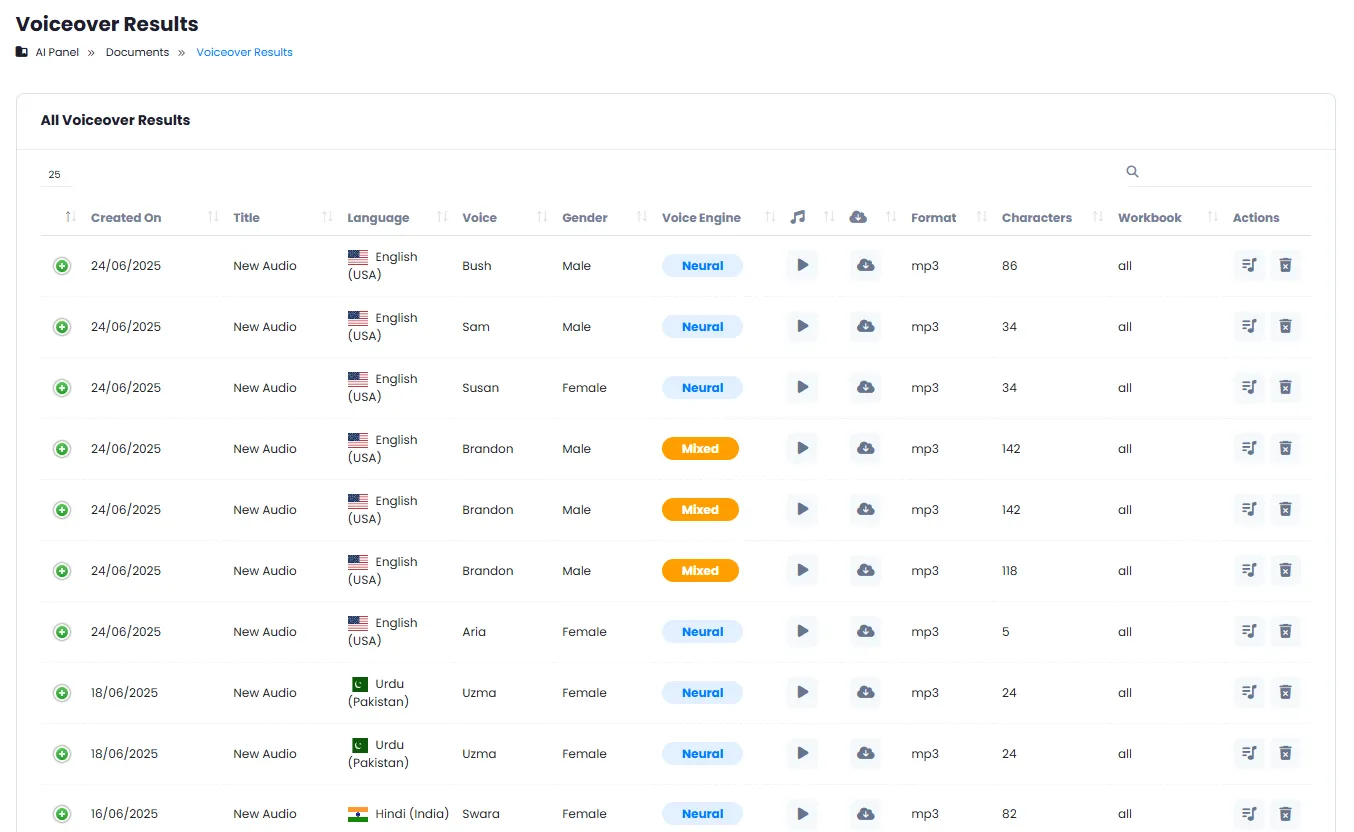
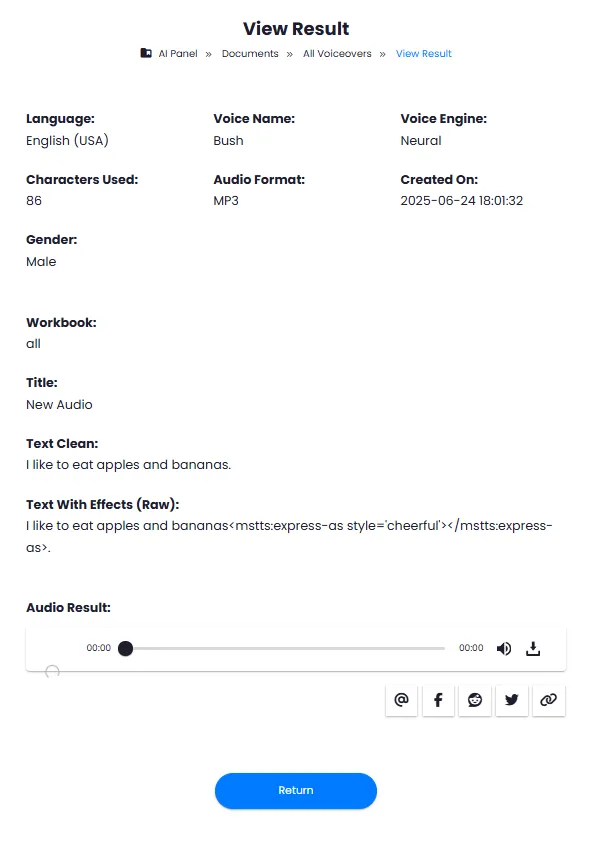
All generated audio files are saved in your history. Play, download or delete anytime.
Integrated with AI Sound Studio
Send the generated voice directly to Sound Studio and combine with background music and sound effects.
Create voice in four simple steps
From writing text to downloading the audio file takes just a few minutes. No software install needed, directly in your browser.
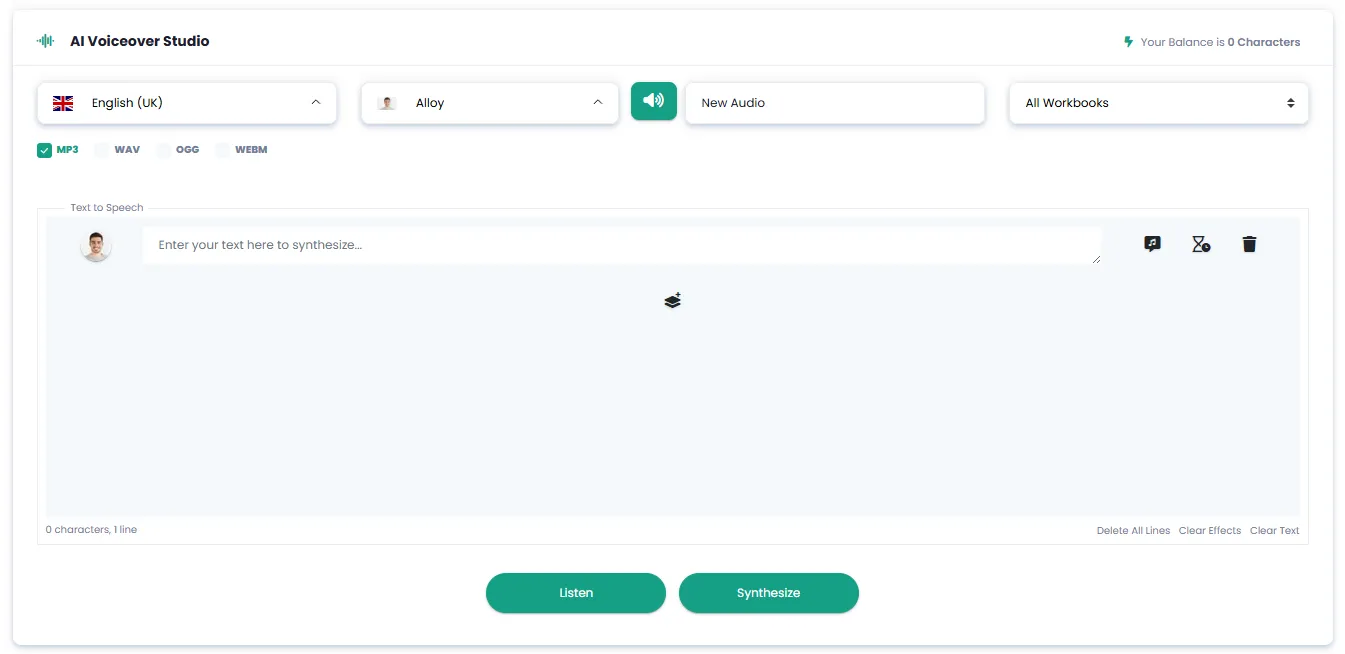
Write your text
Enter your text or script in the editor. You can use any language you want.
Choose language and voice
Select your desired language from the menu and choose the appropriate voice from the available options.
Apply voice controls
Apply pauses, emphasis, speed, volume and other settings so the voice is exactly what you want.
Preview and download
First listen with the preview button, make adjustments, then download the final file in your preferred format.
Text to speech use cases
Anyone who needs narration, voiceover or audio content can use this tool.
Podcast Production
Convert your podcast script to natural speech. Adjust tone, speed and pauses exactly to your taste — no professional narrator needed.
Video and Visual Content
Generate professional narration for educational, advertising or explainer videos. Consistent, high-quality voice for all your videos.
Audiobook Production
Convert text books and articles to high-quality audiobooks. Control pauses between paragraphs and emphasis on key words.
Educational Audio Content
Voiceover your online courses and lessons with professional voice. Slower speed for complex concepts and faster for review.
Advertising and Marketing
Create advertising messages, radio voiceovers and brand video narrations with consistent, professional voice.
Content Accessibility
Convert website, app and document text content to audio so it is accessible to all users.
A Look Inside the Text to Speech Studio
See the simple and professional interface. Click any image to enlarge.
What is AI text to speech and how does it work?
From precise voice control to output formats — everything you need to know about generating natural speech from text with 14 adjustment tools.
AI text to speech is a process where advanced deep learning models analyze written text and convert it into natural, human‑like speech. Unlike old TTS systems that produced robotic and artificial voices, the DeepFA tool uses state‑of‑the‑art technology to generate natural, fluent, and intelligible audio. The key difference from other text‑to‑speech converters is the number and variety of voice control tools: 14 specialized controls including special pronunciation, emphasis, volume, speed, pitch, pauses, text replacement and seven more advanced tools. No other tool on the market provides this level of precise control over the audio output.
At DeepFA, text‑to‑speech is performed with support for multiple languages. From the Language menu you can select Persian, English, French, German, Spanish and many more. For each language, several voices with natural accent and tone are available. Three common output formats (MP3, WAV and OGG) can be chosen. The live preview feature also lets you hear the voice before final generation without wasting credits, so you can adjust settings until you're satisfied. All generated audio files are saved in your history and can be played or downloaded at any time.
14 voice controls — the most among TTS tools
From special pronunciation and emphasis to volume, speed, pitch, pauses and text replacement — fine‑tune every voice detail exactly to your needs. Seven more advanced tools let you control rhythm, tone and letter‑by‑letter pronunciation.
Live preview — no wasted credits
Click the Listen button to hear the voice before final generation. If you're not satisfied, adjust the settings and preview again. Only click "Synthesize" when you are happy with the result.
Support for Persian and multiple languages
Convert text to natural speech in Persian, English, French, German, Spanish and many other languages. Multiple voices with natural accent and tone are available for each language.
Three output formats — MP3, WAV and OGG
MP3 for general use in videos, podcasts and social media. WAV uncompressed for professional editing in audio software. OGG, open and lightweight, for websites and applications.
Automatic audio history saving
All generated voices are saved in your history. Play, download again or delete them whenever you want. No worries about losing files.
Integrated with AI Sound Studio
Send the generated voice directly to Sound Studio and combine it with background music, sound effects and other audio layers — all on one platform.
For the best text‑to‑speech results, first determine your content type. For audiobooks, use longer pauses between paragraphs and a slightly slower speaking speed (around 0.9). For educational and advertising videos, emphasis on keywords, normal speed (1) and 100% volume usually give the best result. For conversational podcasts, use natural (default) settings and use the emphasis tool to highlight important points. Always preview the result with the Listen button before final generation — fine‑tuned voice settings have a huge impact on final quality.
Other DeepFA AI Audio Tools
From music creation and voice cloning to audio transcription — a complete suite of AI audio tools
Frequently asked questions about DeepFA text to speech
Answers to common questions about the text to speech tool, output formats and how to use it.
Create your first voice right now
From writing text to downloading audio in just minutes — no software install needed