AI Site Builder
A Ready Landing Page in Minutes
Describe the business and what the site should achieve; the agent designs and writes a complete, responsive page or multi-page site — real copy, your logo and photos, the sections and SEO you choose, working navigation — and delivers it as HTML files and a ZIP.

AI Site Builder — A Complete Landing Page or Multi-Page Site, No Code
Building a good landing page usually means a designer, a writer and a developer, or hours with a page builder. DeepFA's site builder shortens that: you describe the business, the audience and what a visitor should do, and the agent delivers a complete page.
The page it builds is not an empty template: it has real copy based on your description, sections for the introduction, services, benefits, testimonials, FAQs and a contact form, drawn illustrations and working navigation. The design is fully responsive and displays correctly on phones and desktops.
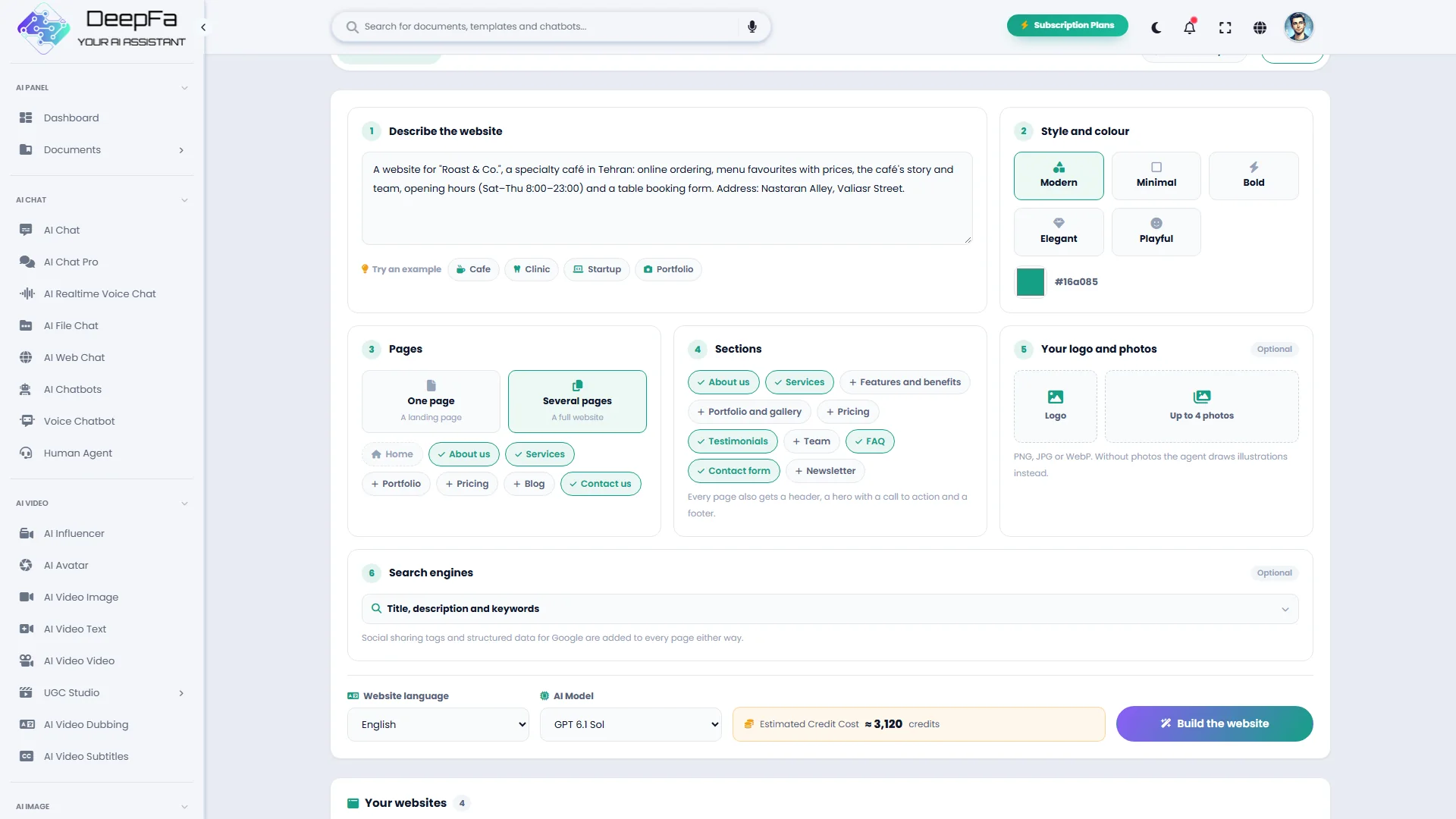
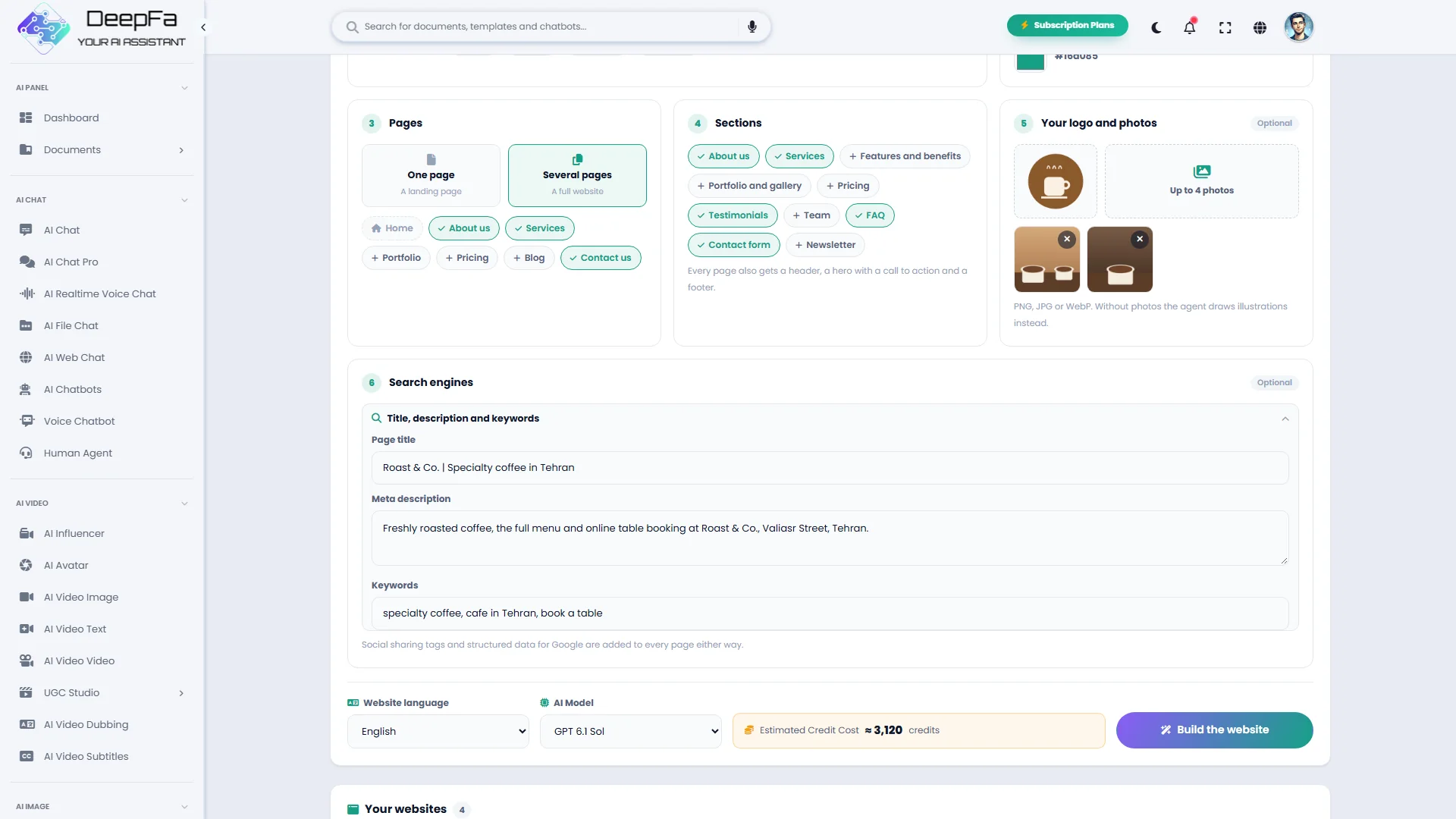
A landing page or a whole website? Tick the about, services, portfolio, pricing, blog and contact pages and the agent builds them all with a shared menu, linked to each other. You choose the sections too — services, features, gallery, pricing, testimonials, team, FAQ, contact form and newsletter. Upload your logo and up to four photos for the header, the hero and the gallery, and give the SEO title, description and keywords so the Google tags, social sharing cards and structured data are set on every page.
You pick the design style from five — modern, minimal, bold, elegant and playful — and set the brand's main colour; the rest of the palette is built around it. You see the result at desktop and phone size and ask for changes in plain words; each revision starts from every page and picture of the current version, builds a new version, and the earlier ones stay in the list. While it builds, you watch the agent's steps live.
The output is self-contained HTML files plus a ZIP of every page and picture, so it works on any hosting, including simple static hosts. If you are looking to build a landing page with AI, design a one-page website or make a product page without code, DeepFA's site builder has it ready in minutes.
A site ready to publish, not an empty template
From preview and revision to the file you upload to your host.
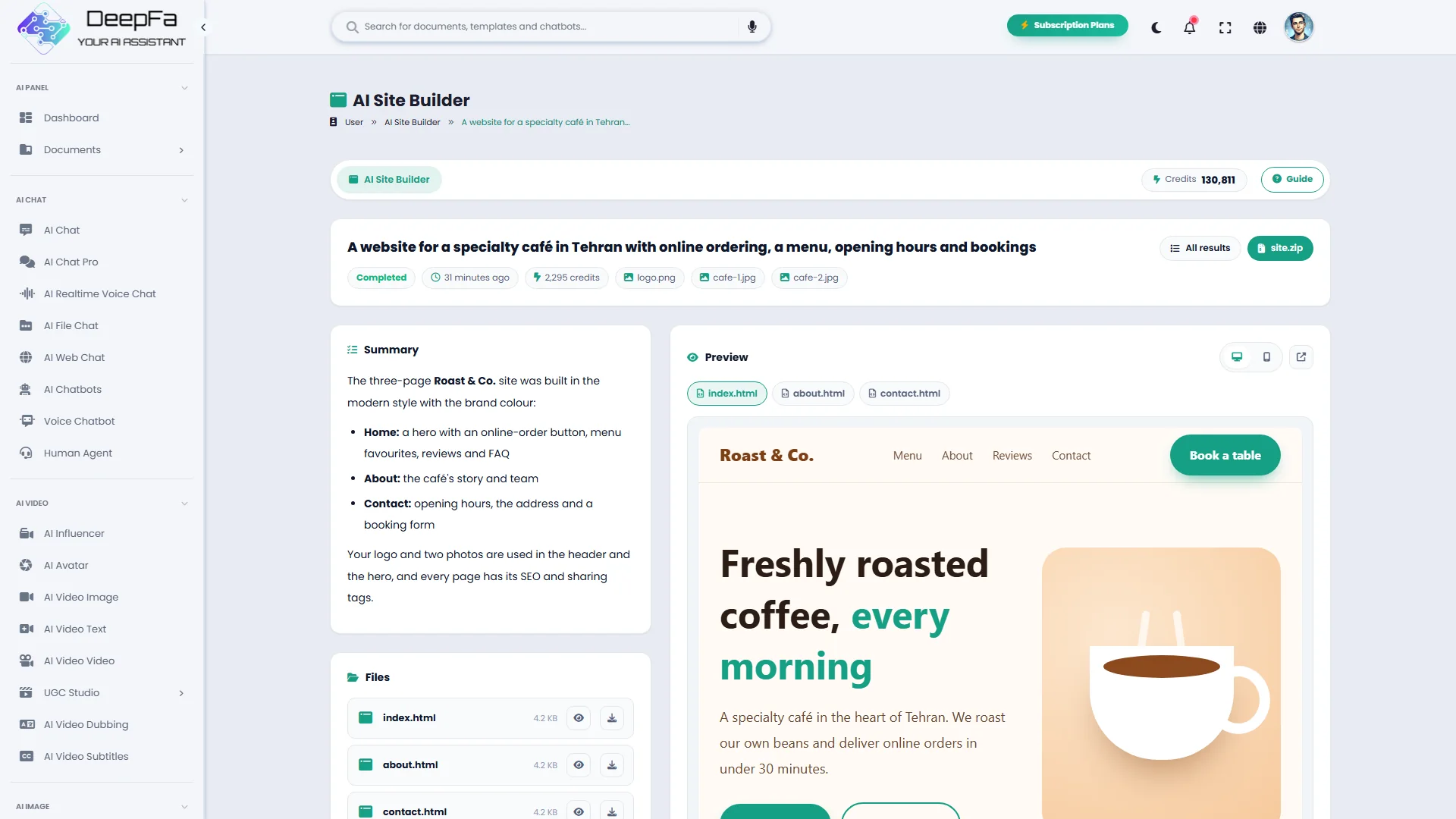
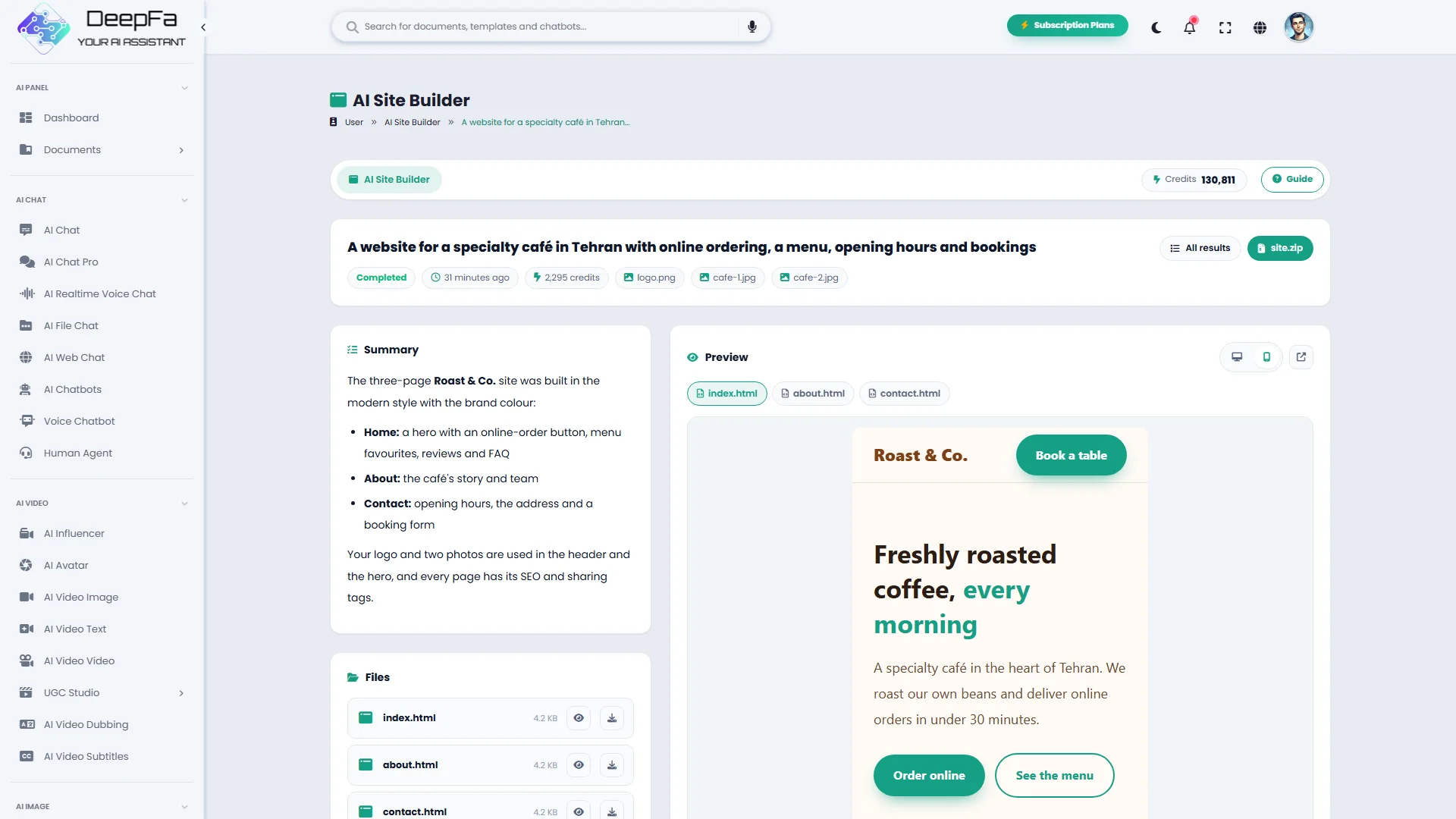
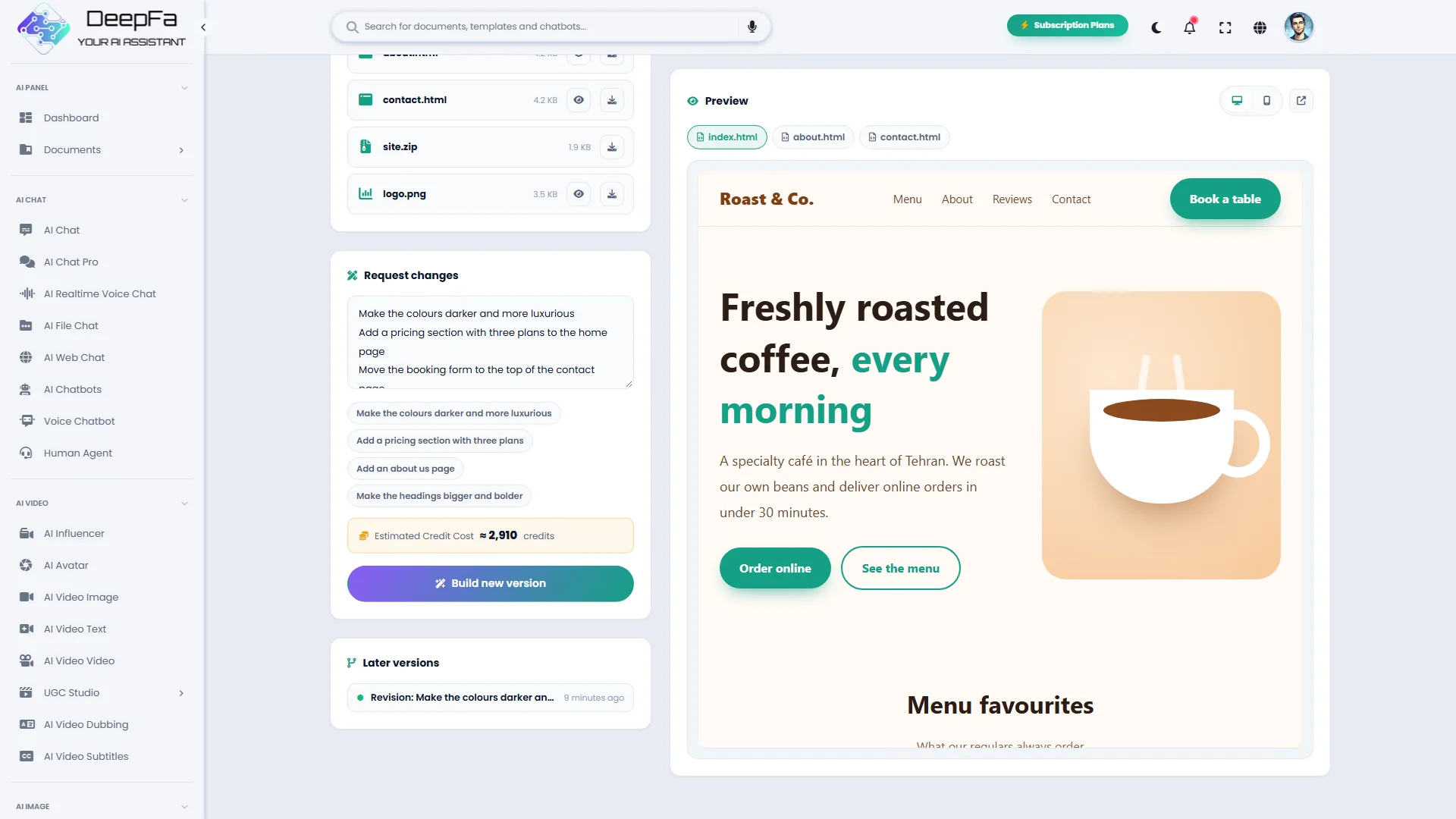
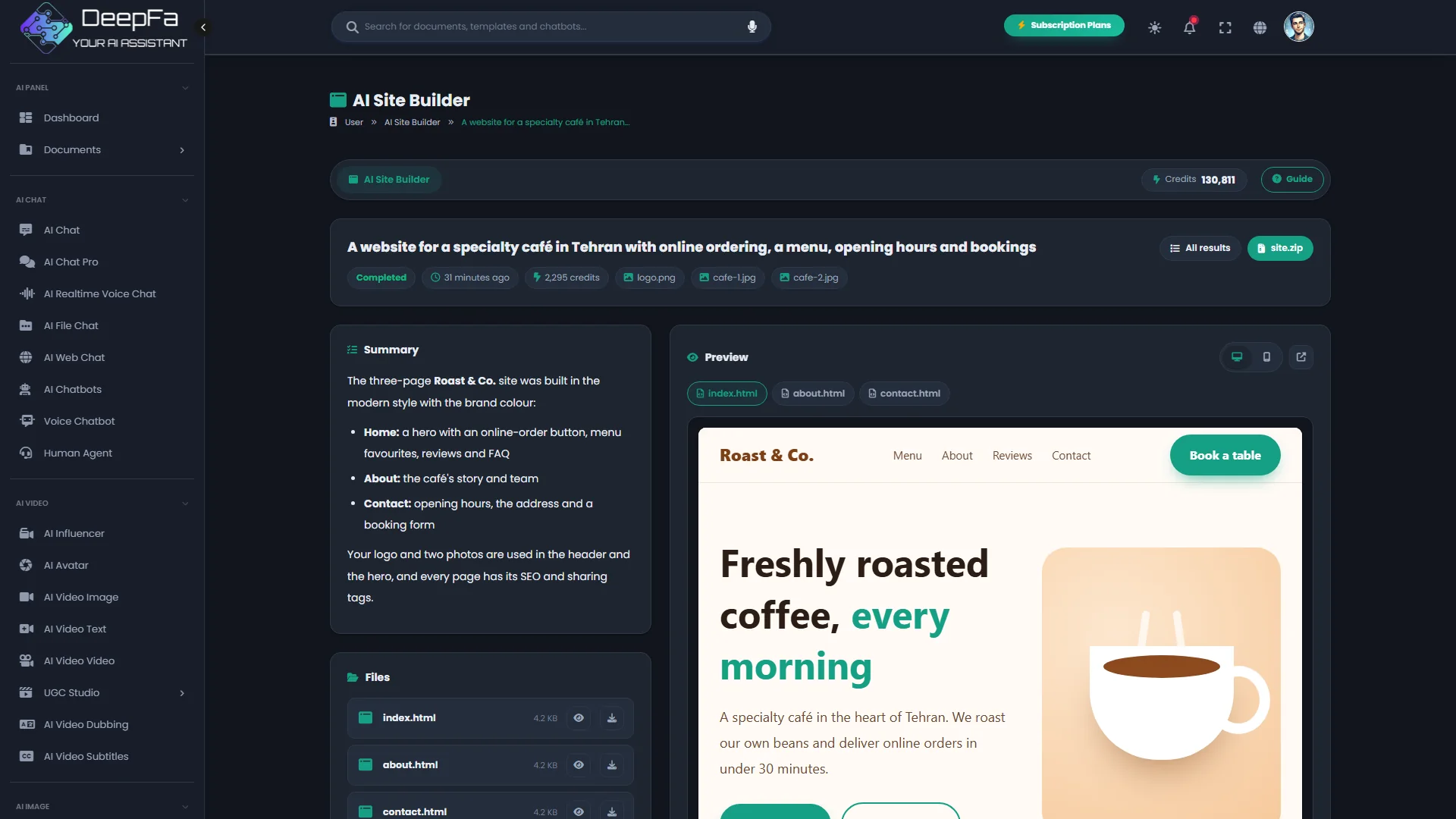
Desktop and phone preview
See the site at desktop and phone size on the same page, or open it in a tab of its own.
Revisions in plain words
Write the changes or click a ready-made suggestion; each revision builds a new version and the earlier ones are kept.
Self-contained HTML pages
Each page with all its copy and design in one file, with SEO and sharing tags; switch between the pages in the preview.
A ZIP package
Ready to upload to any host, including simple static hosts.
Building a site in 5 steps
You describe; the designing, writing and building are the agent's job.
Describing the business and the goal
Say who it is for, what you offer and what a visitor should do; name the sections you want if you know them.
Style, colour and pages
Pick one of the five styles and the brand's main colour; one page or several, and the sections each should have.
Logo, photos, SEO and language
Give your logo and up to four photos, write the SEO title and description and pick the site's language — right-to-left for Persian and Arabic.
A live build and a preview
Watch the agent's steps live; then browse each page at desktop and phone size.
Revise and download
Ask for changes to build a new version, then download the HTML or the ZIP.
Why DeepFA's Site Builder?
A page you can publish today, without a designer or a developer.
Real copy, not filler
Every section is written from your description — no placeholder text, no blanks.
Your own logo and photos
The logo in the header and as the site icon, the photos in the hero and the gallery — no code, no page builder.
Ready for Google
Each page's title and description, sharing tags and structured data — in files that work on any host.
Your brand's colour and style
The palette is built around your brand's main colour, and you choose the design style.
Earlier versions are kept
Each revision is a new version; if you prefer an earlier one, it is still in the list.
Pay for what the run used
An estimate before you start, the actual charge on the result; a failed run costs nothing.
From description to site in 4 steps
One description, a few simple choices and a few minutes' wait.
Write the description
The business, the audience, the goal and your real contact details.
Set up the site
Style and colour, one page or several, the sections, your logo and photos, SEO and language — or try a ready-made example.
Watch the build live
The agent designs, writes and builds the pages, and each step shows as it happens.
View, revise, download
A desktop and phone preview of every page, revisions in a sentence and an HTML or ZIP download.
Who is the site builder for?
Anyone who needs a professional page for their work, fast.
Cafés and restaurants
Menu, opening hours, bookings and address on one attractive page.
Shops and brands
A product or campaign page with a call to buy.
Freelancers
A portfolio and service page to win clients.
Events and webinars
The event, the speakers, the schedule and a sign-up form.
Startups
A product page to test an idea before building a full site.
Doctors and clinics
Services, practitioners and how to book an appointment.
A look inside the AI Site Builder
Click any image to enlarge.
What is an AI site builder, and how does it work?
From writing a good description to revising and publishing the page.
An AI site builder is an agent that does the work of a designer, a writer and a developer together: it lays out the page around your goal, writes the copy for each section, designs the illustrations and builds it all into one self-contained, responsive HTML file.
The quality of the result depends on your description. Say who the page is for, what you offer and what a visitor should do — call, book or buy. Include real details such as your phone, address, prices and opening hours so the page needs no editing.
What makes a good description?
The audience, the main offer, what a visitor should do, and real details such as phone, address and prices.
One page or a whole site
Home plus up to six pages — about, services, portfolio, pricing, blog and contact — with a shared menu, and the sections you choose.
Responsive from the start
The page is designed for phones and desktops, and the preview shows both sizes.
Revisions without starting over
A revision starts from every page and picture of the current version; only the changes you ask for are made and the earlier version stays.
Publishing on any host
Upload the self-contained HTML file or the ZIP to your host; it depends on no other service.
Logo, photos and SEO
Give your logo and up to four photos; without photos the agent draws illustrations. The SEO title, description and keywords go on the pages too.
When you ask for a revision, write one change per line, and if the order of the sections matters to you, say so. A revision starts from the current version and costs a little more than building it, since the agent reads every page first. If you have real photos of the business, upload them from the start.
Tools that complement the Site Builder
Build content, research or a presentation for your page.
Frequently asked questions about the AI Site Builder
Everything you need to know about building, revising, cost and publishing.
Build your first site right now
Sign up and turn a description of your business into a ready site