AI Sound Studio
Mix Your Voice with Background Music
Mix AI-generated voice with your preferred background music. Adjust music and final voice volume separately, choose MP3, WAV or OGG output format and create professional audio files ready for publication — no external software needed.
AI Sound Studio — Professional Voiceover & Background Music Mixing
DeepFA Sound Studio is a powerful online tool for mixing AI-generated voice with background music. You can combine voiceovers produced in other platform sections with background music files, independently adjust music volume and final voice volume, and generate the final audio file in MP3, WAV or OGG format for download. All these steps are done completely online without any external software.
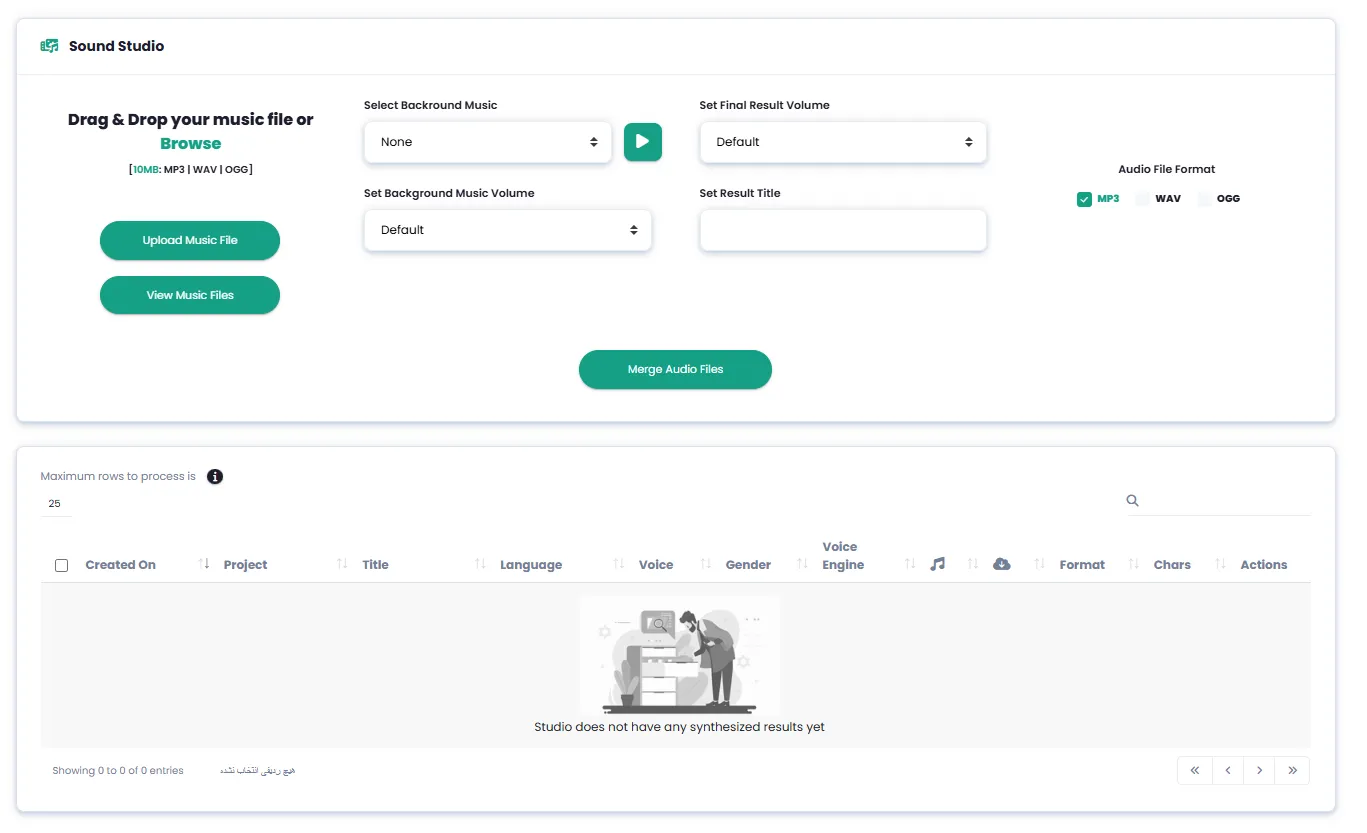
One of the most important features of the Sound Studio is the ability to separately adjust background music volume and final voice volume. Each of these settings can be controlled with 5 different levels — extra quiet, quiet, default, loud and extra loud. You can also upload your own custom background music file up to 100MB or choose from previously uploaded files. The ability to merge multiple audio files (up to 100 or more) into one final file is another capability of this studio.
You can use DeepFA Sound Studio for producing professional podcasts with intro and outro music, video voiceover and promotional teasers with background music, audiobook production with suitable atmosphere, audio educational content creation and video game voice acting design. All generated files and results are saved in history with complete details including date, language, voice type and file format, and are accessible for re-download anytime.
Key Features of the AI Sound Studio
Everything you need for professional audio mixing — no software installation required
Mix Voice with Background Music
Mix AI-generated voice with background music and create professional audio ready for publishing.
Separate Music & Voice Volume Controls
Adjust background music volume and final output voice volume separately with 5 different levels.
Multiple Audio Output Formats
Generate and download final audio in MP3, WAV or OGG format — suited for any need.
Merge Multiple Audio Files into One
Easily merge up to 100+ audio files into a single final audio file.
Upload Background Music up to 100MB
Upload your custom background music in MP3, WAV or OGG format up to 100MB.
Audio File History & Management
All files and studio results saved with date, language, voice and format — accessible anytime.
Create a professional audio file in 4 simple steps
Simple, fast and no external software needed — everything happens in your browser.
Upload Background Music
Upload your background music file in MP3, WAV or OGG format. Maximum file size: 100MB.
Select Voice & Adjust Volume Levels
Select background music from your uploaded files. Adjust music volume and final voice volume with 5 different levels.
Choose Output Format & File Title
Choose output format MP3, WAV or OGG and set the final audio file title.
Generate & Download Final Audio File
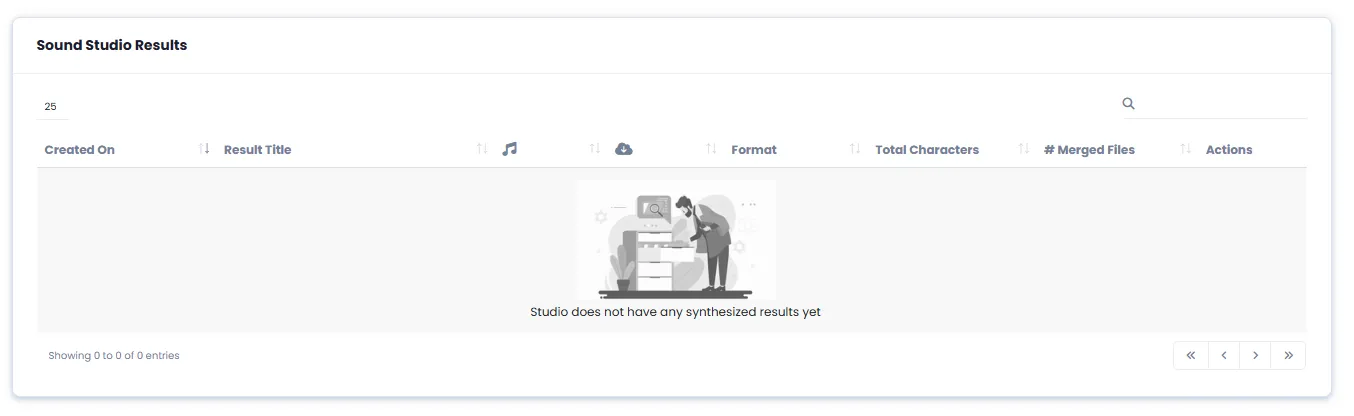
Hit generate. The professional audio file appears in the studio results section, ready to play and download.
Who uses the AI Sound Studio?
From podcast producers to game developers — anyone who needs professional audio production.
Podcasters
Professional mix of podcast narration with intro and outro music
Video Creators
Add background music to video narration and promotional teasers
Marketers
Create professional audio ads and promotional teasers with background music
Audiobook Producers
Combine audiobook chapters with fitting background music and atmosphere
Education Creators
Create audio lessons and courses with calm background music
Game Developers
Combine character dialogues with sound effects and game music
Why mix audio with DeepFA Sound Studio?
The most powerful online audio mixing tool in one simple, user-friendly environment.
Publication-Ready Professional Output
High-quality final audio with precise volume control, ready for publishing in podcasts, videos, ad teasers or audiobooks.
Precise & Separate Volume Control
With 5 volume levels for background music and 5 for final voice, fine-tune your audio mix exactly to your needs.
Fast & Instant Processing
Voice and music mixing is completed in minimal time and the final audio file is immediately ready for playback and download.
Easy Multi-File Audio Merge
Easily merge multiple generated audio files into one final file without any external software.
Upload & Select Custom Music
Upload your own background music or choose your preferred track from previously uploaded files.
Complete File History & Quick Search
All generated files stored with full details and accessible for download anytime through quick search.
Simple and practical AI Sound Studio interface
Screenshots of DeepFA Sound Studio — click any image to enlarge.
What is AI Sound Studio and how does it work?
From mixing voice and music to merging multiple audio files — everything you need to know about professional AI audio mixing.
DeepFA AI Sound Studio is an integrated environment for mixing AI-generated voice with background music. Unlike simple audio tools that only provide raw audio, this studio lets you mix the speaker's voice with your desired background music, adjust each volume separately with 5 different levels, and receive the final output in three formats (MP3, WAV or OGG). The key difference is the advanced audio mixing and merging capabilities without heavy editing software — everything happens in your browser in just minutes.
The workflow is very simple: upload your background music file (MP3, WAV or OGG up to 100MB), select your voice from generated or uploaded voices, adjust music and final voice volume, choose output format, and click generate. You can also merge multiple generated audio files into one final file (25, 50, 100 or all files). Search and filter capabilities in the results list and a complete history of all generated files are also available.
Mix narrator voice with background music — professional mixing in seconds
Combine your AI-generated voice with MP3, WAV or OGG background music. Adjust each volume separately and get a professional audio file ready for podcasts, videos or ads.
5 separate volume levels for music and voice
Background music and final output voice each have 5 independent levels: extra quiet, quiet, default, loud and extra loud. Fine-tune your audio mix exactly to your needs.
Three output formats — MP3, WAV and OGG
Receive final output in three different formats: MP3 for general use, WAV for professional editing and OGG for the web. Choose the format that fits your need.
Merge multiple audio files — 25, 50, 100 or all files
Merge multiple generated audio files into one final file with one click. Options for 25, 50, 100 and "All files" are available. No separate software needed.
Upload custom background music up to 100MB
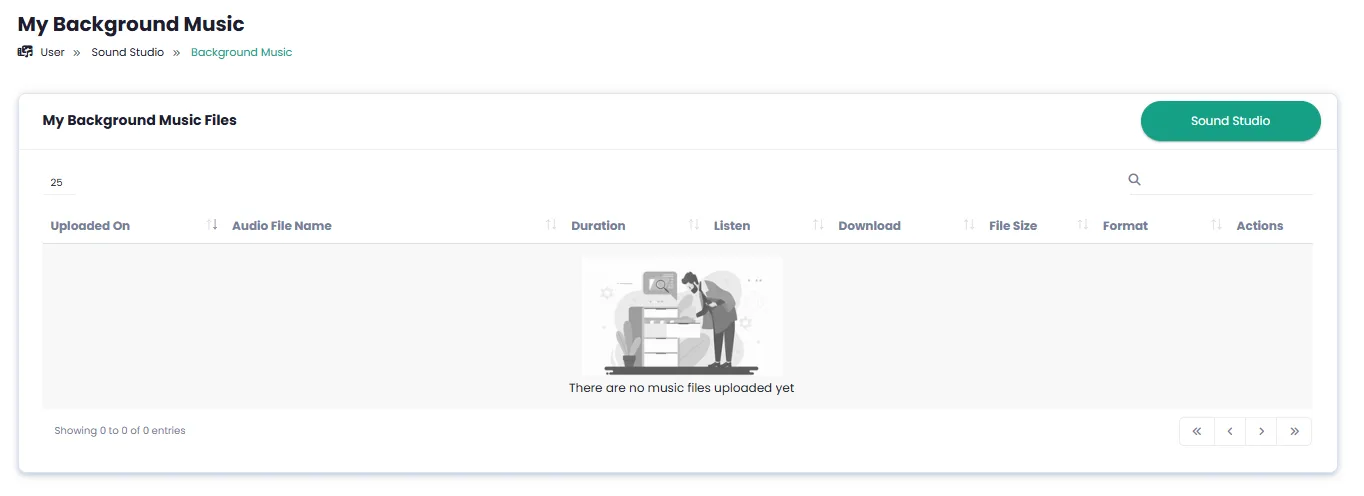
Upload your own background music file in MP3, WAV or OGG format. Uploaded files are saved in the list and available for future use.
Complete history and quick audio file search
All mixed files are saved in the studio results section with full details (date, language, voice, format). Quickly find the file you need with search.
For best results in AI Sound Studio, use high-quality, noise-free music files. Usually set background music volume lower than the narrator voice (level 2 or 3) for clearer voiceover. For podcasts, use intro and outro music at levels 3 to 5. For educational videos, calm music at level 2 is enough. Always use the preview option before final generation. All generated files are saved in history and always accessible.
More AI Audio & Music Tools
From music generation to voice cloning, voiceover and speech-to-text — all tools together
AI Sound Studio — frequently asked questions
Answers to the most common questions about audio mixing and Sound Studio.
Create your professional audio file right now
DeepFA base plan is free — no payment information required