Introduction
Imagine having an incredibly intelligent AI assistant that knows everything, but can't actually do anything. It can't read your email, open your files, or access your company's database. It's like having a genius consultant whose hands are tied behind their back.
That's exactly the problem Model Context Protocol — or MCP — was built to solve.
MCP is a standard communication protocol that allows
AI models to connect to external tools, data sources, and systems — in a structured, secure, and scalable way. Anthropic introduced this protocol in November 2024, and since then it has become one of the hottest topics in the AI world.
If you want to understand why MCP matters, read this article to the end. We'll use real, tangible examples to show how this protocol has shifted the line between "AI that just talks" and "AI that actually works."
What Is MCP and Why Do We Need It?
The Problem Before MCP
Before MCP, every time you wanted an AI model to connect to an external tool — say Slack, GitHub, or a database — you had to write a completely custom integration. That meant:
- A separate connector for every tool
- A change in one system could break others
- No standard existed; every developer went their own way
The result? A fragmented world of brittle integrations that were a nightmare to maintain.
The MCP Solution
MCP defines a shared language. Just like USB-C became a single standard for connecting different devices, MCP is a single standard for connecting AI models to the outside world.
MCP's architecture has three main parts:
1. MCP Host: The application where the AI model runs (like Claude Desktop, Cursor, or a custom app)
2. MCP Client: The layer inside the Host that communicates with servers
3. MCP Server: A small service that exposes a specific tool or data source to the model (like a server for accessing GitHub, or one for reading local files)
This simple but powerful architecture means an AI model can work with dozens of different tools without writing a separate integration for each one.
What Capabilities Does MCP Provide?
MCP defines three core capability types:
1. Tools
The model can take real actions: send emails, create files, call APIs, execute code.
2. Resources
The model can read data: file contents, databases, documentation, system logs.
3. Prompts (Pre-defined Templates)
Servers can offer ready-made templates for common interactions, so users don't have to write prompts from scratch every time.
Real Examples That Will Blow Your Mind
Example 1: Software Developer
Ali is a developer. Before MCP, when he found a bug:
- He'd copy the code
- Paste it into Claude or ChatGPT
- Get a response
- Go back to the editor
- Replace the code manually
With MCP: A tool like Cursor, which uses MCP, connects directly to Ali's GitHub repository. The model can:
- Read commit history
- See open issues
- Edit code in place
- Run tests
- Even create a Pull Request
All of this in one conversation, without ever leaving the work environment.
Example 2: Product Manager
Sara is a product manager at a startup. Every week she has to compile a report from 5 different sources: Google Analytics, Jira, Slack, Notion, and a SQL database.
With MCP: Sara just tells Claude: "Build the weekly report." The model:
- Connects to Google Analytics and reads traffic stats
- Hooks into Jira and pulls closed issues for the week
- Reviews Slack to summarize the most important team discussions
- Pulls roadmap data from Notion
- Queries SQL for user metrics
- Combines everything into one coherent report
A task that used to take 3 hours now takes 3 minutes.
Example 3: Researcher and Writer
Reza is a researcher working on climate change. With an MCP Server connected to scientific databases:
- He asks: "Find the latest 50 papers on ocean temperatures"
- The model reads the papers, summarizes them, and extracts trends
- Saves the results to a Notion file
- Sends an email to the team with a summary of findings
From search to email delivery — all in one conversation.
Example 4: Customer Support
A company has connected an MCP Server to their CRM. When a customer sends a message:
- The AI model reads the customer's purchase history
- Reviews previous support tickets
- Gives a personalized response based on this data
- If needed, directly updates the order status
This is what truly transforms
AI in customer service — not just pre-defined responses, but real-time interaction with live data.
Comparison: Before and After MCP
| Aspect | Before MCP | With MCP |
| Tool Connection | Custom integration for every tool | One standard protocol for all |
| Development Time | Weeks per new connection | Hours or even minutes |
| Maintainability | Fragile, implementation-dependent | Standardized, reliable |
| Security | Varies per implementation | Unified security model |
| Ecosystem | Isolated islands | Connected, shared ecosystem |
| Switching AI Models | Must rewrite all integrations | MCP Servers remain unchanged |
Which Tools and Companies Support MCP?
The MCP ecosystem is growing at a remarkable pace. Among the most notable current implementations:
Software Development Tools:
- Cursor — a code editor that uses MCP to connect to GitHub, databases, and CI/CD tools
- Claude Desktop — the desktop version of Claude that supports local MCP Servers
- VS Code with various extensions
Cloud Platforms:
- Cloudflare provides ready-made MCP Servers for accessing its services
- Vercel has integrated MCP support into its development platform
Productivity Tools:
- MCP Servers for Notion, Google Drive, Slack, and Jira are available
- Databases like PostgreSQL, MongoDB, and SQLite have MCP Servers
Important note: One of MCP's great strengths is that it's open-source, so the developer community is rapidly building new servers. Hundreds of MCP Servers are now available on GitHub, built for all kinds of tools.
MCP and Agentic AI: The Combination Building the Future
Imagine an Agent that:
- Receives a complex task ("Research and write a market report")
- Accesses various resources through MCP
- Collects, analyzes, and combines the information
- Saves the final result to Notion and sends the link in Slack
Without MCP, this chain of actions required complex, brittle programming. With MCP, every step in the chain happens through a standard protocol.
This is what makes
the future of AI genuinely exciting: models that don't just think, but
act. If you've worked with frameworks like
LangChain or
CrewAI, you know connecting agents to external tools has always been a challenge — MCP solves exactly that.
Security in MCP: Should You Be Worried?
This is a fair question. When an AI model can access real systems, security becomes critically important.
MCP has several security layers:
Explicit access control: Each MCP Server defines exactly which operations are permitted. A file server might only allow reading, not writing.
User confirmation: For sensitive operations (like deleting data or sending email), the Host can require explicit user approval.
Isolation: Each MCP Server runs in a separate process. If one server has a problem, it doesn't damage the rest of the system.
Transparency: Users can see exactly which tool the model is using — no hidden actions.
Of course, like any powerful technology, risks like
Prompt Injection must be taken seriously. Using trusted MCP Servers and carefully reviewing permissions is essential.
How to Get Started with MCP
For Regular Users
If you use Claude Desktop, you can install ready-made MCP Servers right now. Steps:
- Install Claude Desktop
- Find the
claude_desktop_config.json configuration file
- Add a ready-made MCP Server (like the filesystem or GitHub server)
- Restart Claude
After this, Claude can work directly with your local files or GitHub repositories.
For Developers
Building an MCP Server is simpler than you might think. Anthropic provides official SDKs for Python and TypeScript:
python
from mcp.server import Server
import mcp.types as types
server = Server("my-server")
@server.list_tools()
async def handle_list_tools():
return [
types.Tool(
name="get-weather",
description="Get the weather for a city",
inputSchema={
"type": "object",
"properties": {
"city": {"type": "string", "description": "City name"}
},
"required": ["city"]
}
)
]
@server.call_tool()
async def handle_call_tool(name: str, arguments: dict):
if name == "get-weather":
city = arguments["city"]
# Actual weather fetching logic here
return f"Weather in {city}: Sunny, 25°C"
This is the base code for an MCP Server that Claude can use. If you're familiar with
Python, you can build your first server in under an hour.
MCP vs. Older Approaches
A common question: what's the difference between MCP and Function Calling introduced by OpenAI?
Function Calling is a mechanism inside the model — the model can call functions you've defined in advance. But the client still has to manage the execution logic.
MCP operates at a higher layer. It's a standard protocol that:
- Separates the server (tool source) from the client (AI model)
- Allows any server to serve any model that supports the protocol
- Lets servers implement complex logic without the model needing to know anything about it
In simpler terms: Function Calling is like having a to-do list you wrote yourself; MCP is like having a large marketplace of ready-made tools that each know how to do their job.
The Future of MCP: Where Are We Headed?
MCP is still in its early stages, but its trajectory is clear. Key trends to watch:
Industry standardization: Major companies are adopting MCP as their standard. The bigger this ecosystem grows, the more valuable each server becomes.
MCP in the enterprise: Companies are building private MCP Servers for their internal systems. Imagine an AI model connected directly to your company's ERP, CRM, and HR systems.
The MCP Server marketplace: Just like the App Store, a marketplace of specialized MCP Servers is emerging. Startups are building niche servers for different industries — from legal and healthcare to finance and education.
Conclusion
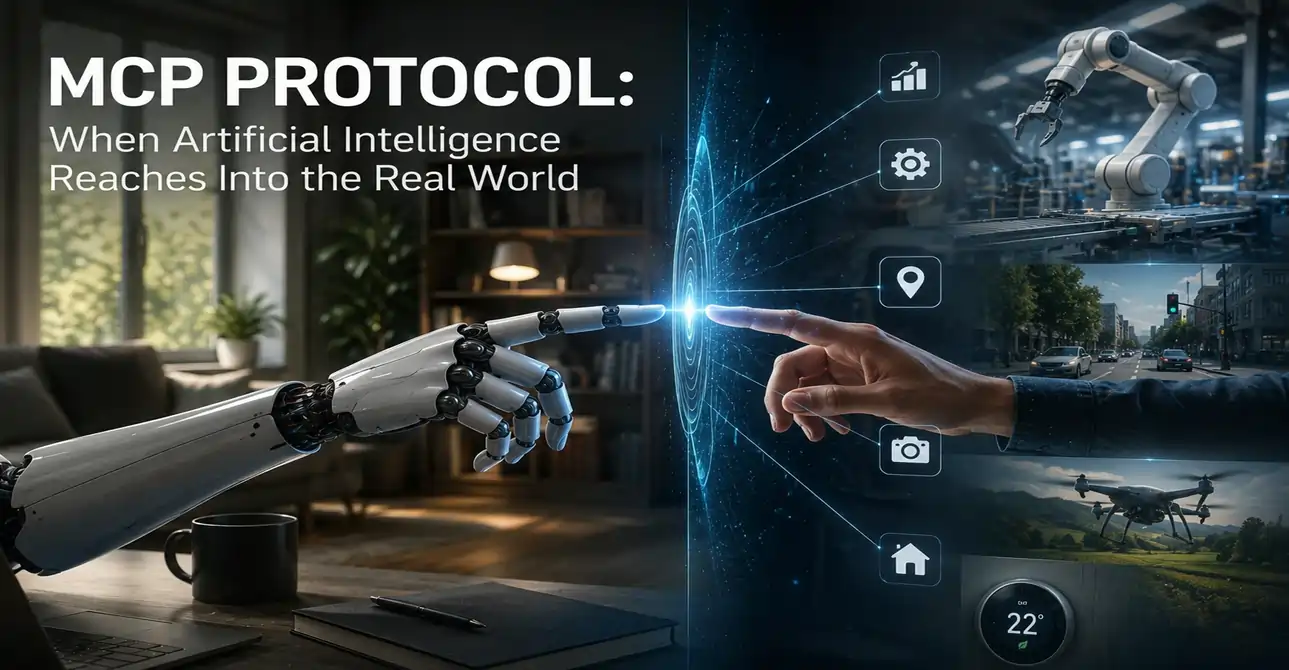
MCP might look like a simple technical protocol, but its impact runs far deeper. It removes the boundary between AI and the real world.
Until recently, AI models were like experts sitting behind glass — you could talk to them, but they couldn't put their hands to work. MCP removed that glass.
Now AI can not only think, but read, write, analyze, execute, and report — all in one fluid conversation.
If you work with
large language models,
machine learning, or software development, MCP is no longer optional — it's essential. Learn it, experiment with it, and put it to work in your projects.



 LLMs & AI Agents
 LLMs & AI Agents
 LLMs & AI Agents
 LLMs & AI Agents
 LLMs & AI Agents
 LLMs & AI Agents